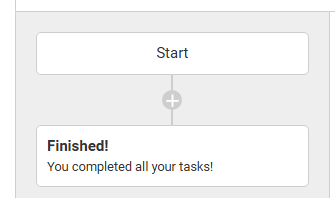
Once you have created and named a Campaign, the next step is to start building the timeline of the program. You can do this by clicking the plus icon under Start.
Once you select the plus you can choose to add a Task or an Action to the timeline.
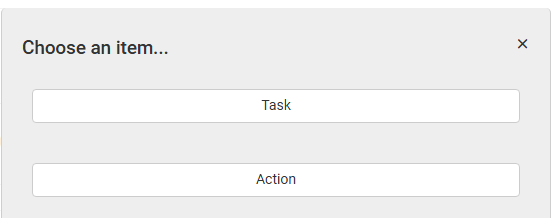
Here is a full breakdown of both item types:
Tasks
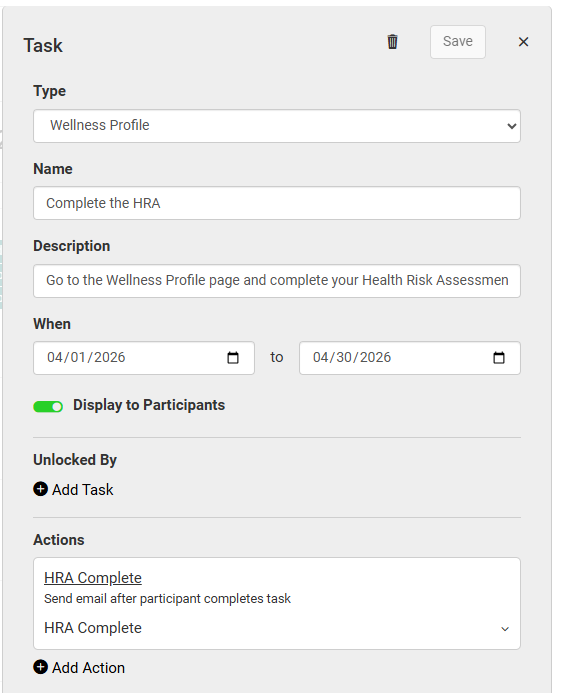
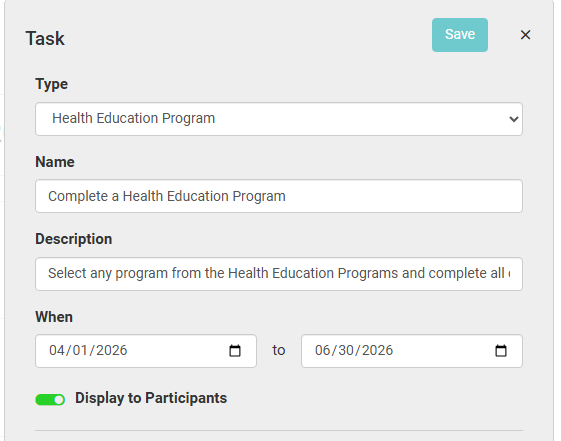
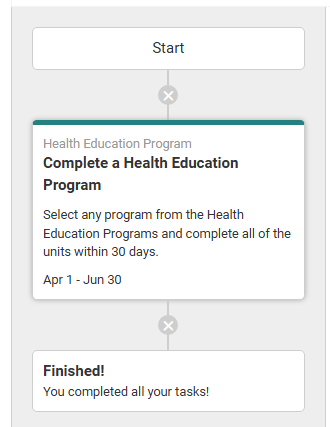
A campaign task is an activity for participants to complete during the campaign. There are several pages across the participant interface that can be used in a campaign task, including Mindfulness Practices, Health Education Programs, and Wellness Profile.
Once you select a task type, you provide a Name and Description that the participants will see on their end, then set a start and end date for the task.
Actions
A campaign action is a communication that is sent to members in the campaign population. This can be sent as an in-app notification or as an email.
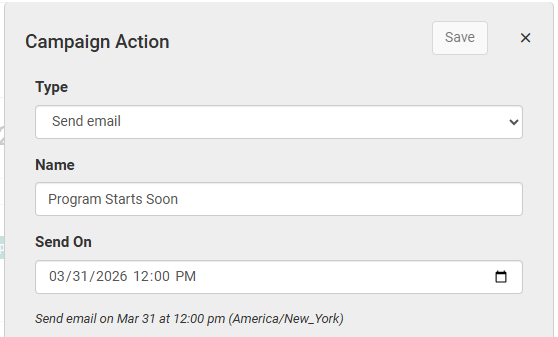
Once you choose which type of communication to send, you can enter a Name for the action. This is for staff view only. You can also select the date and time to send the action on.
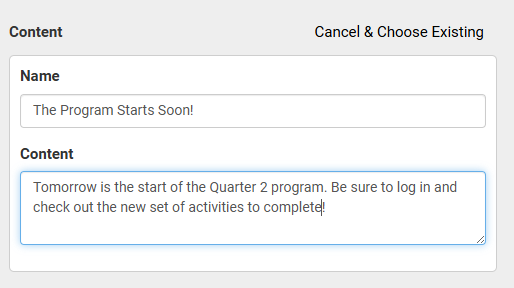
In the Content section you can select a content block previously created by a staff member, or create your own.
In-app Notification example
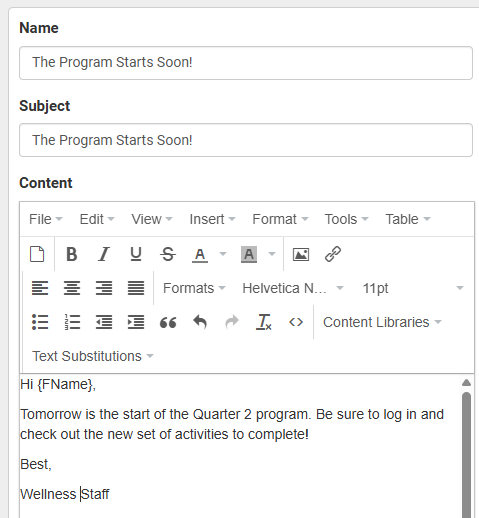
Email example
You can also create activities that are tied to a specific task. After adding a task there is an Add Action button.
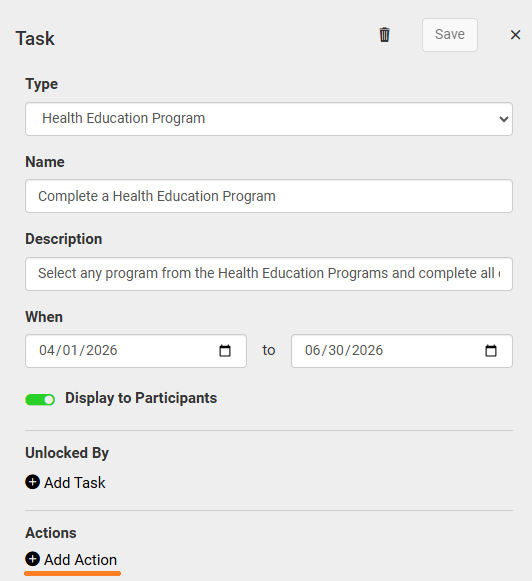
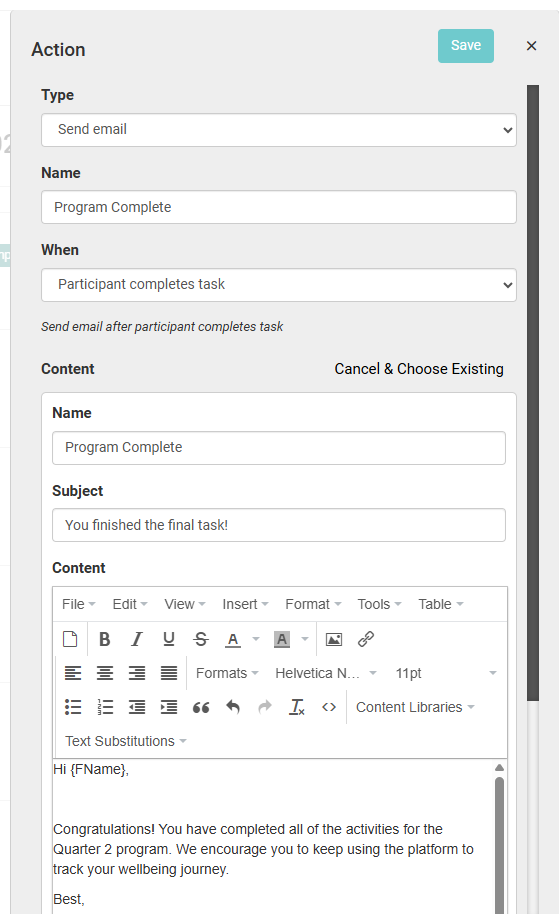
You can add an action that sends on a specific date/time from here, or you can configure the action to send once a participant completes the associated task.
Here is an example of a timeline with a few tasks and actions.
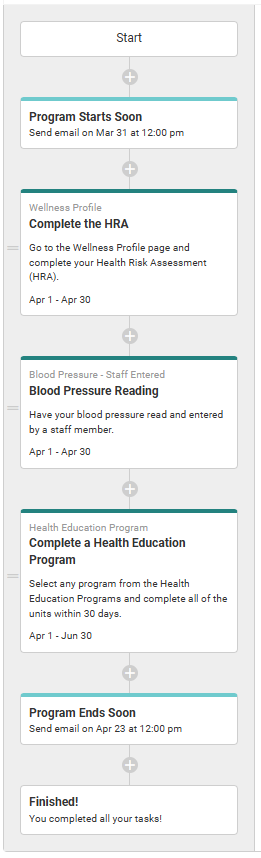
Note: Actions tied to a specific task do not appear in the timeline view. You can view these actions by expanding the task's details.