
Was the member recently added to the program?
If a member was just added to a program and they have data that should count towards an achievement, they may notice an achievement has the requirements met but does not appear awarded.
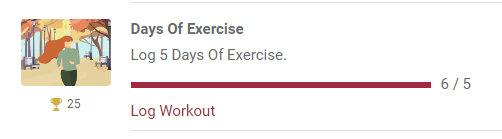
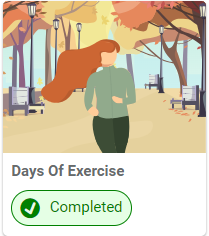
Even though the user has valid data for that achievement, since they were recently added to the program, the system still has not caught up with this. Once the user updates a record that should count toward the achievement (or creates a new record that should count), that achievement will be updated and appear as Completed.
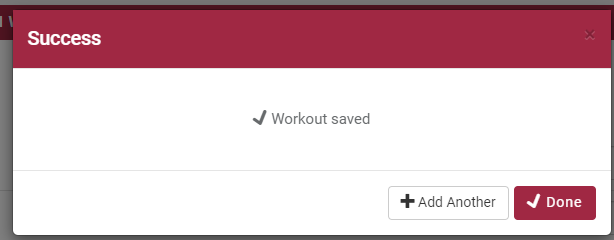
For example, using the Days of Exercise achievement pictured above, the member can get this achievement to appear as Completed by updating an existing workout record or creating one on a different date.
Is the achievement type Standard or Staff Defined?
Standard achievement types are created by Motivation Alliance that are tied to specific actions throughout the software. These achievement types are awarded automatically once the system recognizes the requirement has been met.
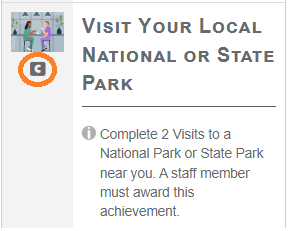
Staff Defined achievement types are created by a staff member and everything from the How To Earn description to the labels used for the value to earn is customized. Since a Staff Defined achievement was created by a staff member (as opposed to by Motivation Alliance), there is no association to a specific part of the software, and thus the achievement can only be completed one way- by either staff or participant (depending on the achievement's Participant Can Self Claim setting) selecting the "I Completed One" button the required amount of times.
If a member completed the action mentioned in the How to Earn description, but the achievement is Staff Defined, that means that the system will not know to award that achievement and it has to be completed by selecting the "I Completed One" button.
You can check whether or not an achievement is Staff Defined on the Categories page for the program in the staff portal. If the achievement has a C icon below the image, that means it is a Staff Defined achievement.
Is participant logging allowed for the achievement?
When you add an achievement to a program, there are some Standard achievements that allow you to set whether participants can log their own data for the achievement, or if only staff logging should count. This setting is called "Whose Data Counts?".
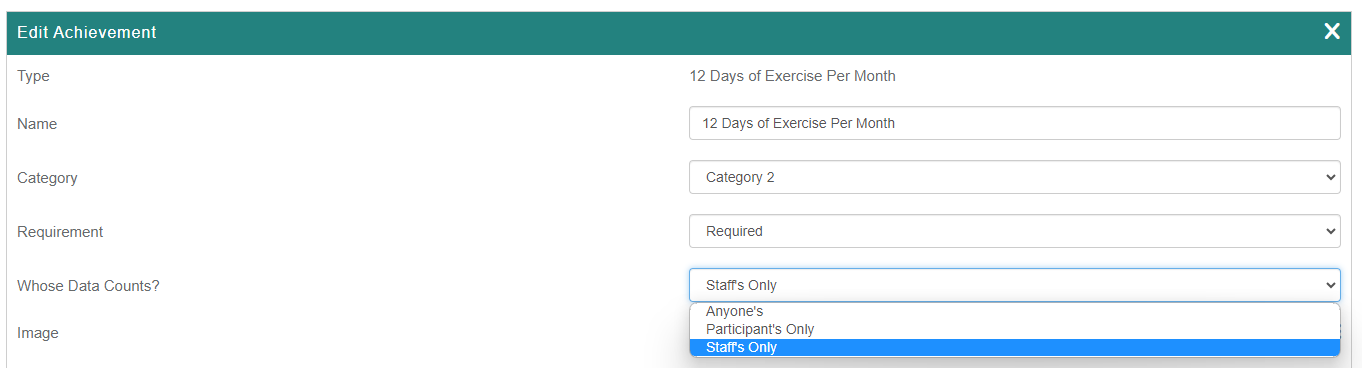
If the achievement is set to Staff's Only, and the participant has been adding their own records, those records will not count towards the achievement.
Does the achievement have Specific Dates?
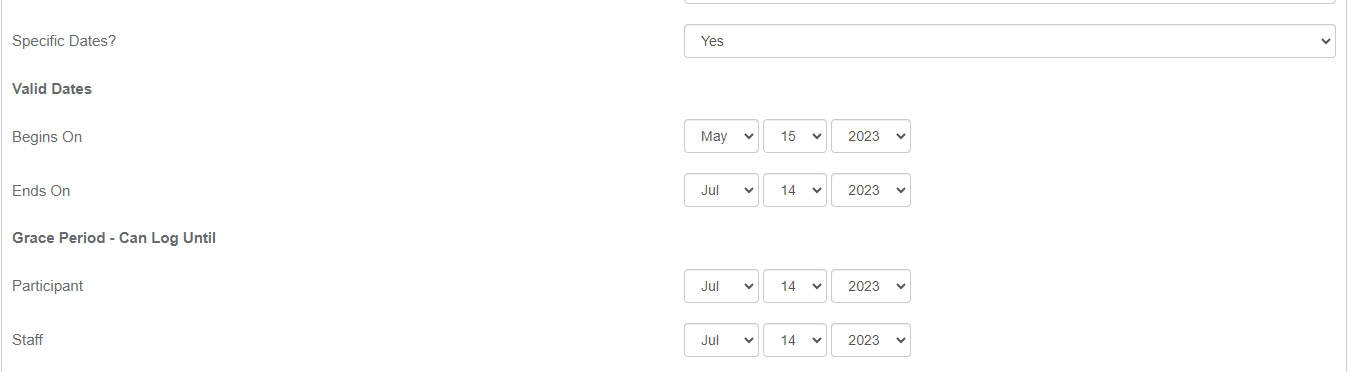
When adding an achievement type to your program, the achievement will be available for the entire duration of the program by default, but there is a setting called "Specific Dates?" that allows you to set a start and end date inside the program dates that the achievement will be available.
For example, the image below is from an achievement program that runs from April 1 to July 14, but with the Specific Dates setting, the achievement will only be available starting on May 15, so data logged before May 15 will not count for the achievement.
Did the member complete the requirements entirely inside the program dates?
Some Standard achievements require multiple days of activity to complete, including the Interactive Learning Programs achievements and the Daily Pursuits achievements. In order for these achievements to be completed, the entire process from start to finish needs to happen during the program dates.
For example, if a member starts an Interactive Learning Program (ILP) before the achievement program starts, even if they finish the ILP before the achievement program ends, they will not receive credit because the start date of the ILP was not inside the achievement program dates.
Does the achievement use an Association Token?
Some achievements offer an option that lets you copy a string of letters and numbers from a specific record (Workout Builder, Surveys, Document Types, etc.) and paste that into the Association Token field for the achievement. This "association token" creates a relationship between the achievement and the specific record so that only data towards that record is applicable to the achievement.
For example, if you create an association token for a specific Workout on the Workout Builder page, then copy the token and paste that into the Association Token field for an achievement, the only Workout that counts for that achievement is the one the token came from.
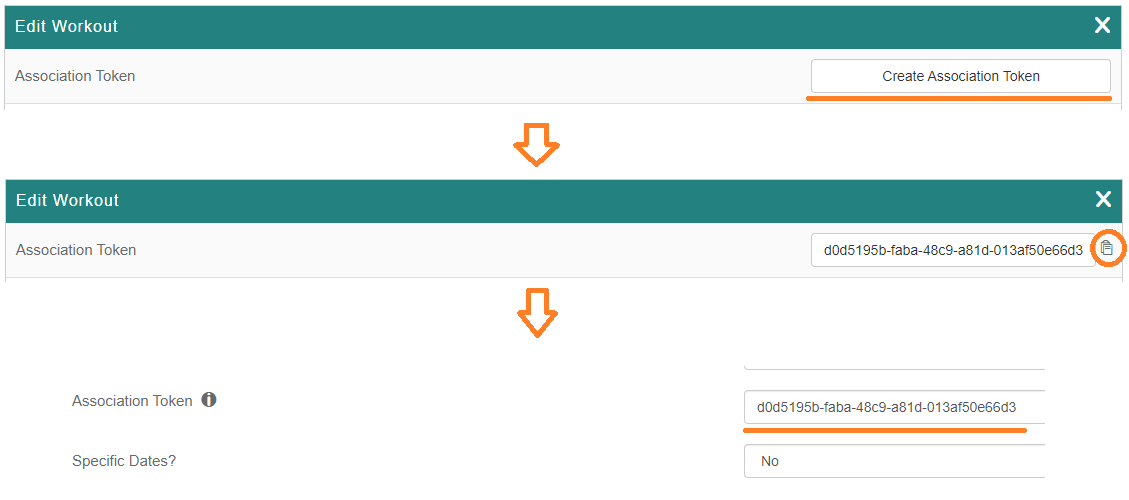
This is reflected in the achievement description once saved.
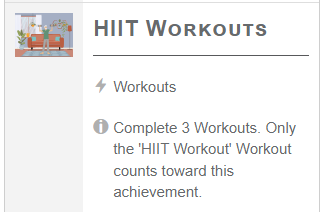
If a member did not see this note in the achievement description and is trying to earn it with a different Workout, this data will not count towards the achievement.
If none of the above suggestions resolved the issue, please submit a support ticket to support@bsdiweb.com so we can further assist you!