
If you entered a search term in Member Management that matches more than 100 members (or did not use a search term), you will see the following message at the top of the Search Results:
There is a hard limit of 100 results displaying at one time when searching in Member Management. This is because returning more records than this at one time could cause the page and/or your site to take a while to load.
If you are trying to use Member Management for a comprehensive list of all members on your site, you will be missing records if there are more than 100 accounts on your site. Instead of using Member Management, you should use the Analytics page.
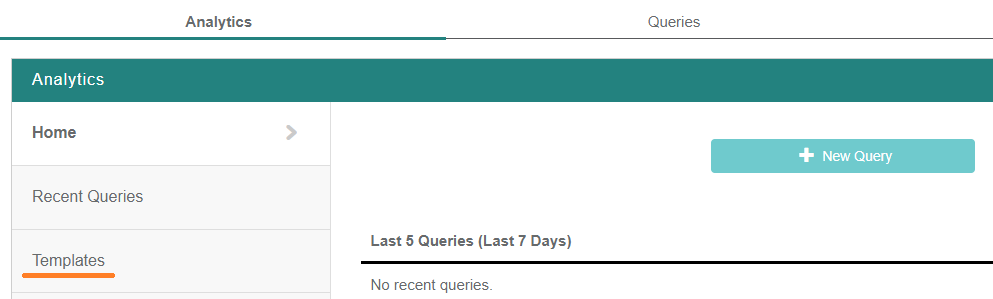
On the Analytics page, select Templates, then select Demographics under Motivation Alliance Templates.

This directs you to the review page for a Demographics query. Here are all of the fields that will be returned if you click Submit and Run Query without making any changes first: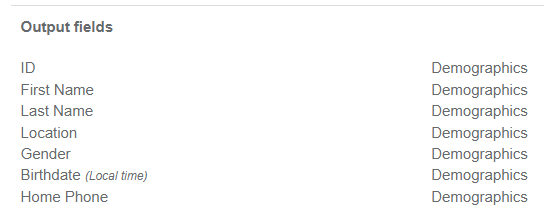
This template will return the 500 oldest accounts in the browser if you run the query without making changes. If you want to download a file instead of viewing the data in the browser, read this article for more information.