To perform the actions mentioned in this article, your staff account needs to have the Appointments and Other Staff Appointments permissions. Please reach out to your site administrator if you do not have these permissions.
When you navigate to the Other Profiles view of the Availability tab on the Appointments page, there is a section below the list of staff accounts titled Unlinked Profiles.
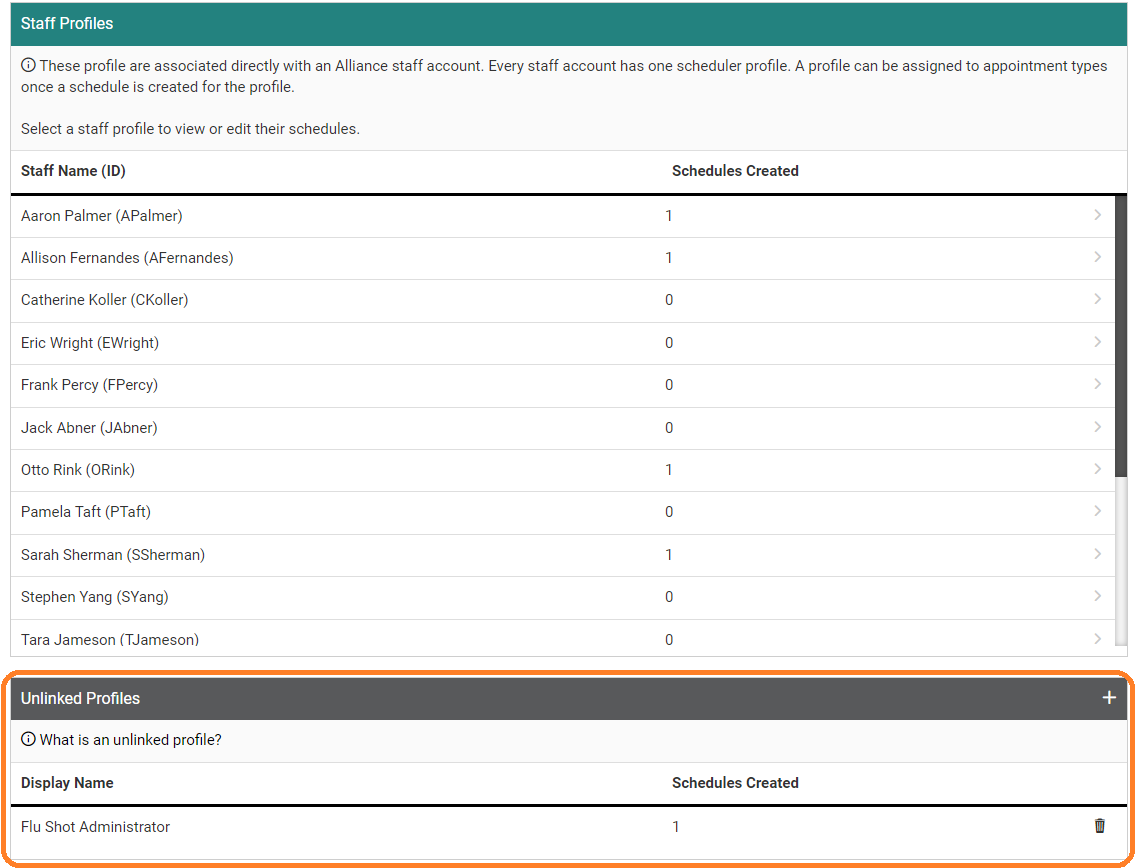
An Unlinked Profile is a schedule intended to be used by anyone administering an appointment that is not a staff member on your site.
Here are some scenarios where an unlinked profile can be useful:
- A biometric screening company will be doing onsite testing. They don't have a staff account. Create an unlinked profile to represent the company and set the schedules within the unlinked profile.
- Your company is doing flu shots in a particular room and doesn't want to assign the appointment type (i.e. Flu Shots) to a specific nurse because numerous staff members will be administering them. Create an unlinked profile to represent the room's availability for Flu Shots.
- A fitness center needs to limit capacity to 10 people at a time during specific time slots. Create an unlinked profile to represent the available time slots for the fitness center.
When you click the plus icon next to Unlinked Profiles, you are prompted to set up display information for the new profile. This includes the Display Name, contact information, and the population this profile is available in.
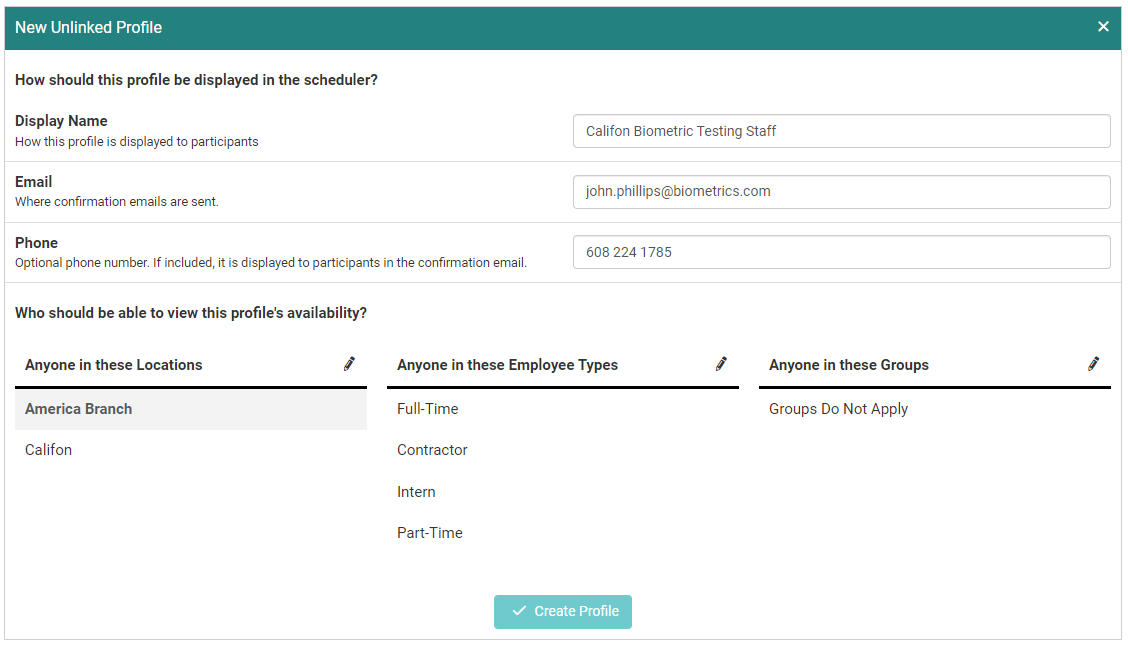
After the profile is created you can create appointment schedules for it.
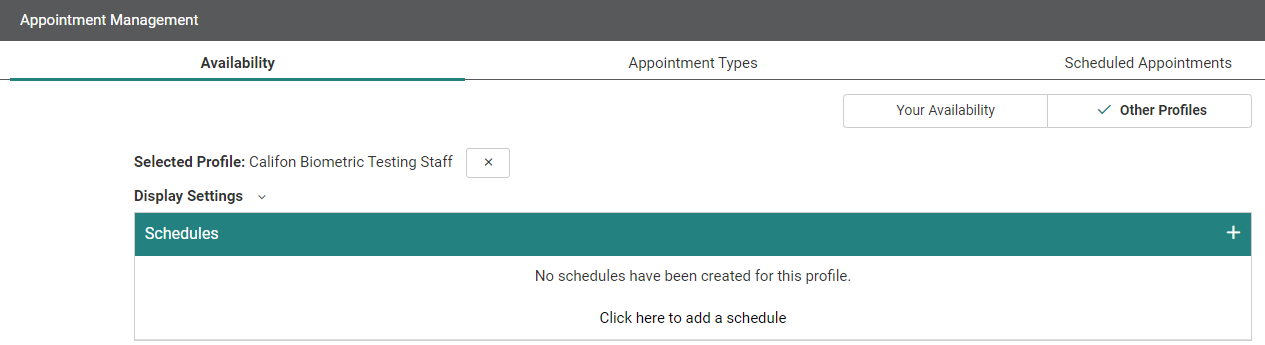
The workflow for creating and editing appointment schedules is the same as creating and editing a schedule for your own staff account. This article goes into more detail about how to manage appointment schedules.
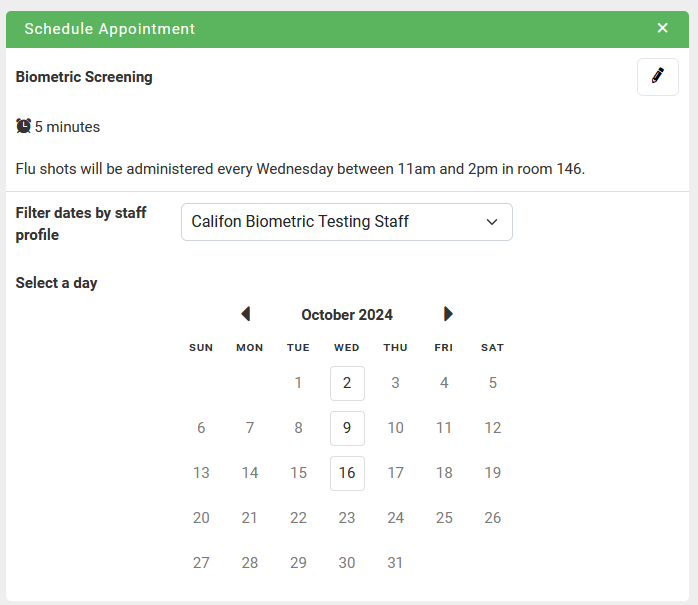
Once the appointment schedule is created and assigned to applicable appointment types, users in the unlinked profile's permitted population can use this profile when scheduling an appointment.