
When setting up a competition, there are references to channels across the Communication Plan page when you are creating a touchpoint (a type of message being delivered).
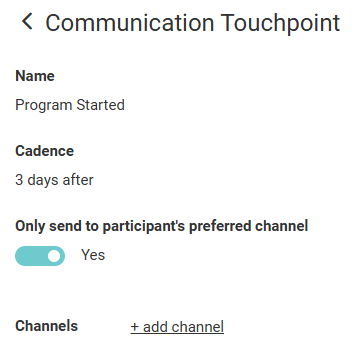
A channel is the method through which participants will receive communication related to the competition. There are three channels available: Email, Text Message, and Notification.
Participants can set up their preferred communication channels in the Communication Preferences setting on their Profile page. The priority goes from top to bottom.
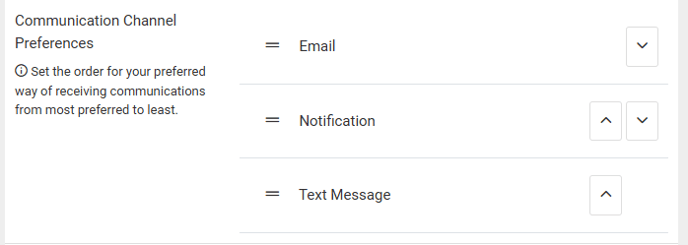
When setting up a communication touchpoint, the Only send to participant's preferred channel setting will only send this communication to a participant through whatever channel is at the top of their list and is configured for the touchpoint.
Example
A member's channel preferences are arranged in the following order:
- Notification
- Text Message
Although the participant's top channel selection is Notification, there is not a Notification channel configured for this touchpoint, so they will receive the Email communication since that is the next channel in their preferences.
If you switch the Only send to participant's preferred channel setting off, participants will receive all of the configured channels for that touchpoint. This means if you use more than one channel, that participant will receive the same communication through multiple different methods.
This setting can be useful if you want all participants to receive the communication through one specific channel, even if that is not some participants' preferred channel.