
How do I add more language options for my program communication?
When adding or editing a program touchpoint, there is an "add language" option under the English content.
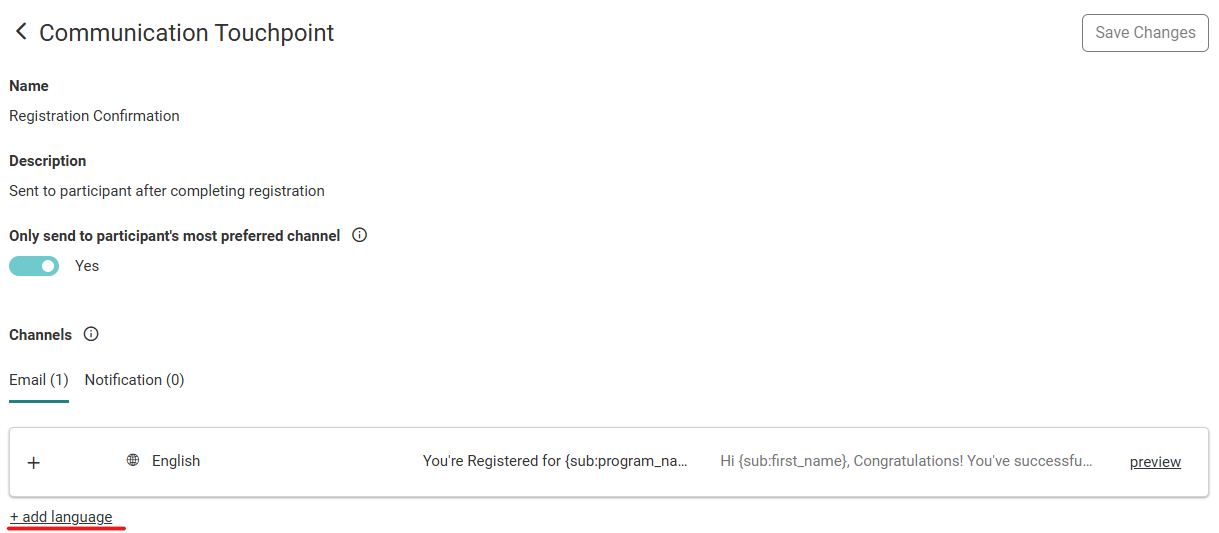
All touchpoints require English as one of the language options, but you can add other versions of the content in different languages by using the "add language" button.
Motivation Alliance currently supports three non-English languages for touchpoints: French, German, and Spanish.
Note: Adding an additional language option does not translate your English content to the selected language. You need to handle the translations outside of Motivation Alliance.
Once you select the desired language, simply enter your content in the selected language.
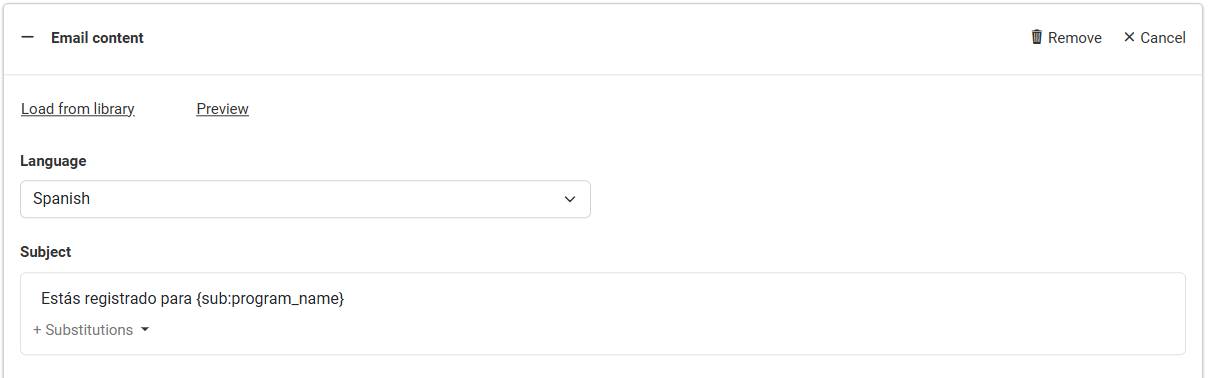
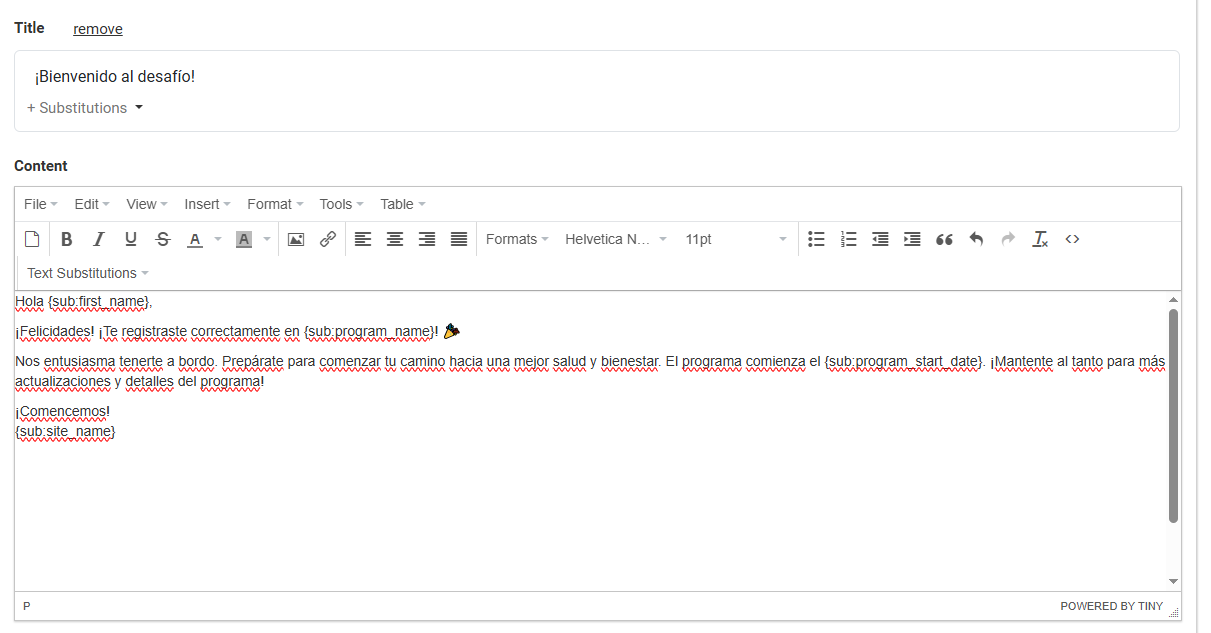
You can still use text substitutions in alternate language content, though if the substituted text is in English this will not be translated (ex. the program name).
How does Motivation Alliance know which language to send program communication with?
In the participant interface, members can set their preferred language from the Profile page under Communication Preferences.
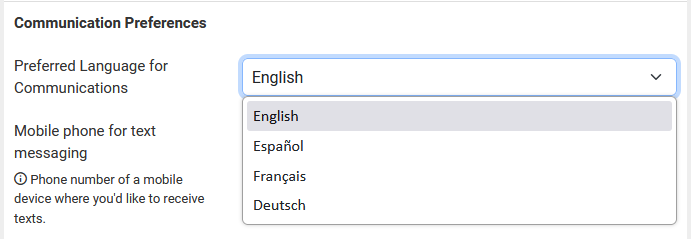
If the user's preferred language is available for a program touchpoint, this language will be used when that communication is sent. If the user's preferred language is not available for a touchpoint, they will receive the communication in English (as a reminder, an English translation is required for each touchpoint.).