
In the Settings section of the Status tab in a member's profile, there is a Communication setting.
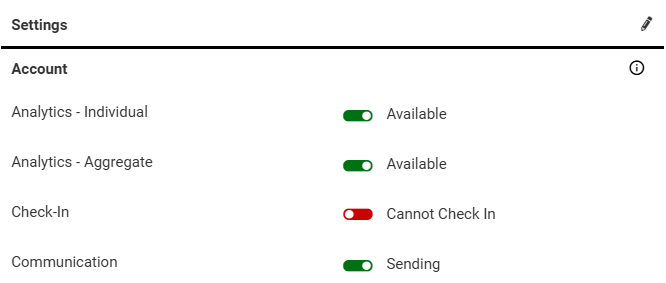
When this is set to Sending, you will also see a selection of settings called Communication Types on the bottom of the page.
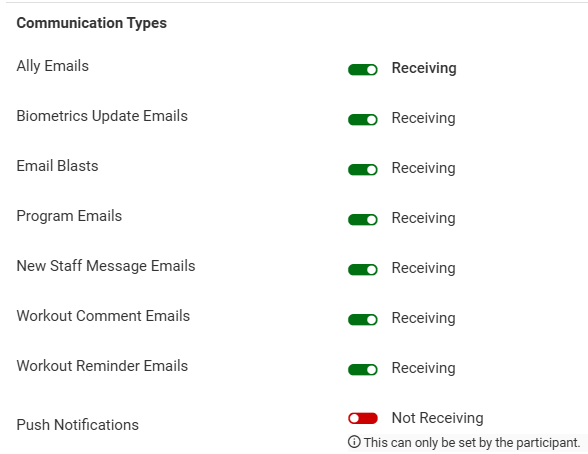
Each of these settings determines whether or not the selected member will receive an email or notification when a specific action occurs in the software. These settings are configurable per account.
Below are descriptions of each communication that is controlled by the Communication Type settings, along with an example of the default email content (when applicable):
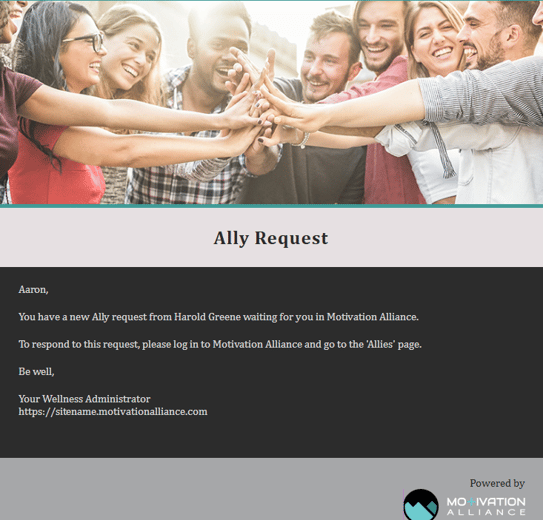
- If "Allies" is licensed on your site, members will receive an email when another member sends them an ally request while the Ally Emails setting is enabled.
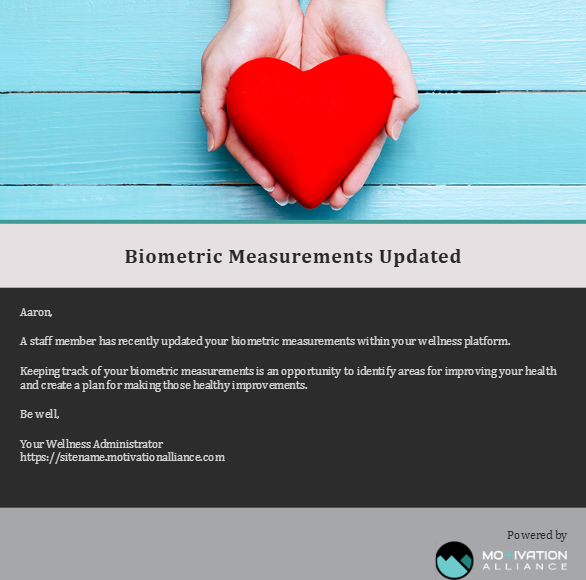
- If "Biometric Entry Interface" is licensed on your site, members will receive an email when a staff enters a new Biometric Entry Interface record for them while the Biometrics Update Emails setting is enabled.
- Any bulk emails sent from the Communication page will be sent to members who have the Email Blasts setting enabled (if they are in the email's configured population).
- If "Programs" is licensed on your site, members will receive emails configured in Achievement Programs, Competitions, and Challenges when the Program Emails setting is enabled.
- Members receive an email when a staff sends a conversation message from Member Management if the New Staff Message Emails setting is enabled.
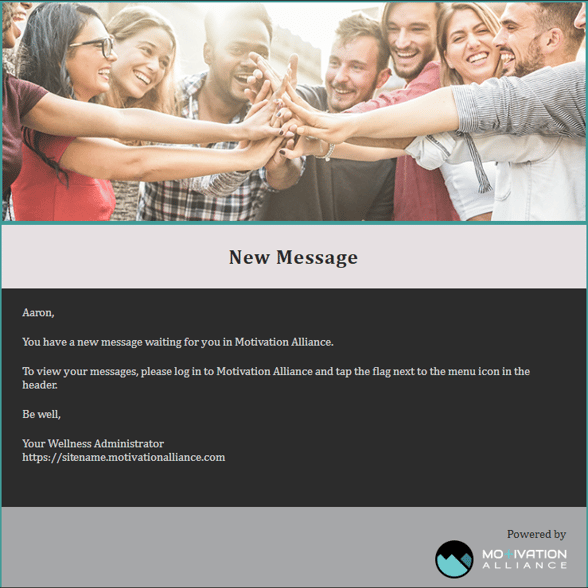
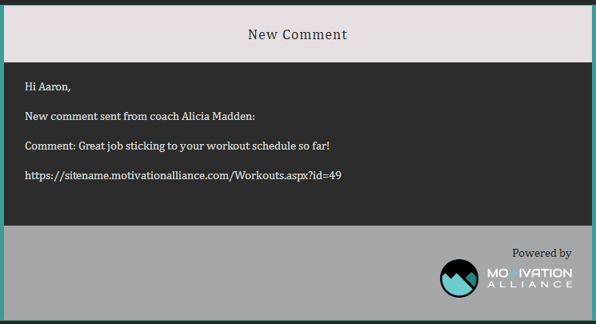
- Members with the Workout Comment Emails setting enabled will receive an email when a staff member comments on their logged workouts.
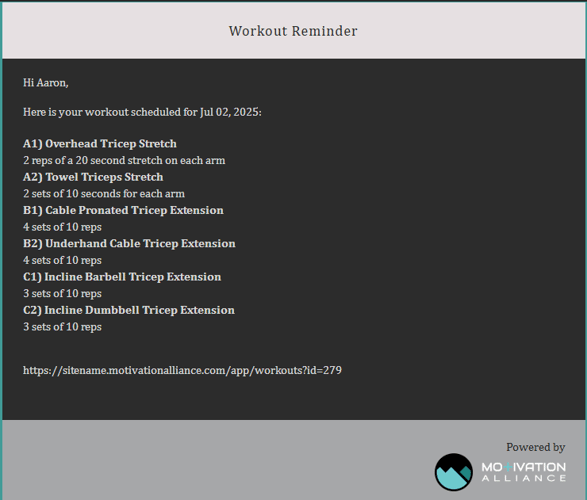
- Members with the Workout Reminder Emails setting enabled will receive an email the morning of a scheduled workout date that contains details about the scheduled exercises.
- Any push notifications sent from the Communication page will be received by members who have Push Notifications enabled (if they are in the notification's configured population).
Note: This setting can only be modified by the participant. Staff can view the status of this setting in Member Management, but they cannot toggle the setting on or off.