
When building a campaign, tasks are available immediately once the start date has arrived by default. You can configure certain tasks to be unavailable until a previous task has been completed. This is referred to as locking a campaign task.
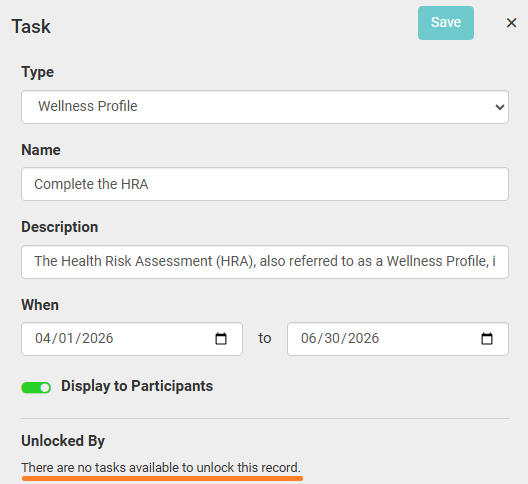
When you add the first task to your campaign, the Unlocked By section at the bottom of the task settings does not have an option because there are no tasks that come before this one in the campaign timeline.
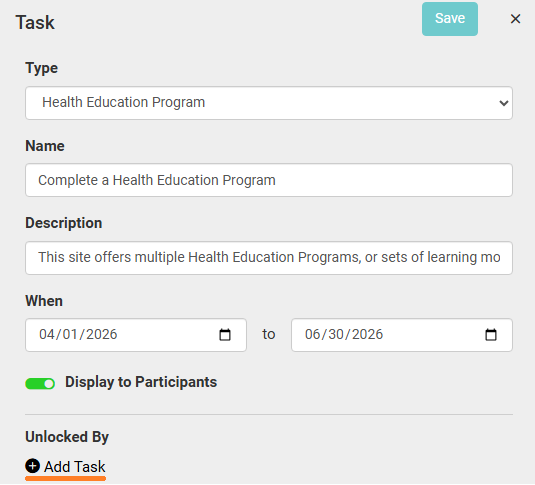
Once you add a second task that takes place during, or after, the first task's dates, you will have an Add Task button available in this section.
When you click this, you can select any task that starts before (or on the same date as) the current task.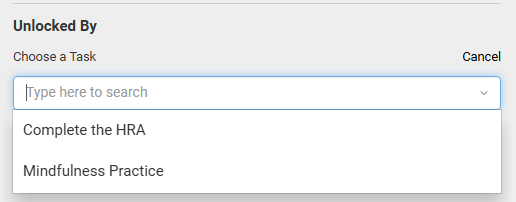
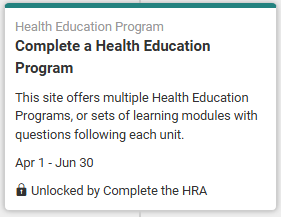
Once saved, the timeline view of the task will reflect the unlock requirement.
You can configure a task to be unlocked by multiple previous tasks, and one task can be configured to unlock multiple other tasks.
There are two types of task relationships:
-A parent task is a task that unlocks one or more tasks.
-A child task is a task that is unlocked by one or more preceding tasks.
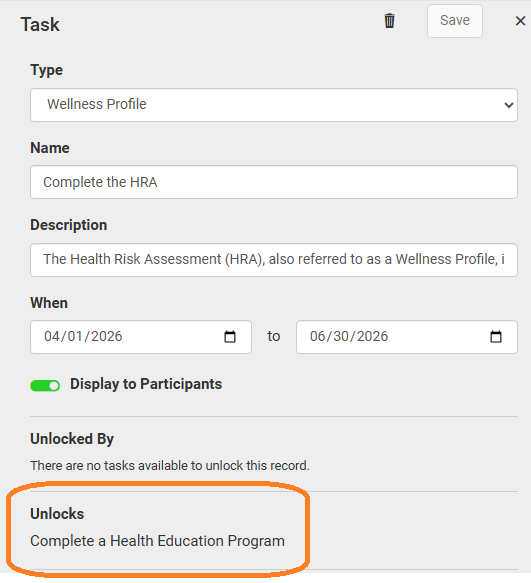
If you select the parent task, there is a view-only Unlocks field that shows which task(s) it unlocks.
Note: If a participant does not complete the parent task before the end date, the child task(s) will become unavailable even if the dates are still active.