
In the Workout Management section of Member Management, there is a tab called Bulk Client Management. This page is used to assign programs and workouts to members, either individually or with multiple members selected at the same time.
When first navigating to this tab, you will see a list of members at all of your permitted Locations. 40 records are displayed per page.
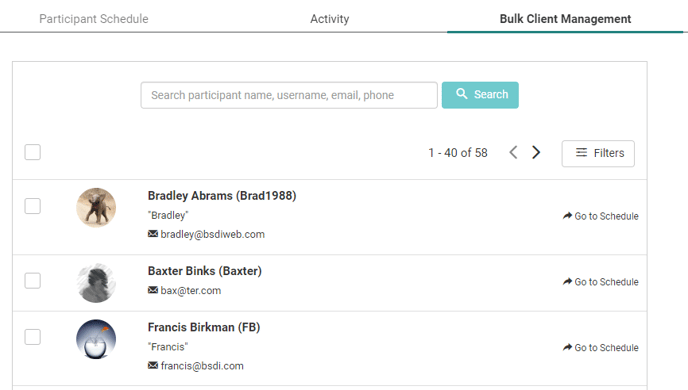
Selecting Go To Schedule from a member's row will take you to the Participant Schedule tab for that member and display their workout calendar.
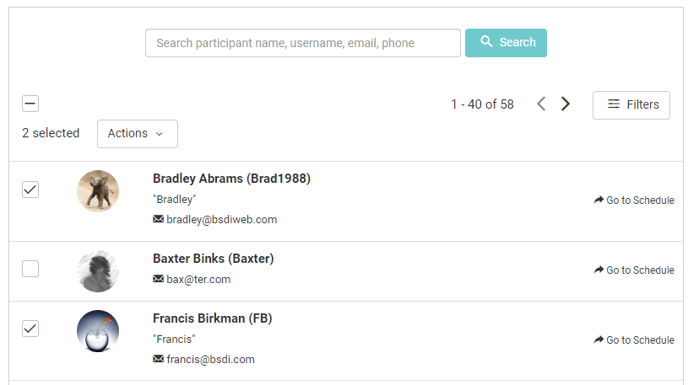
Each member has a check box to the left of their row. You can select one or multiple members using these check boxes.
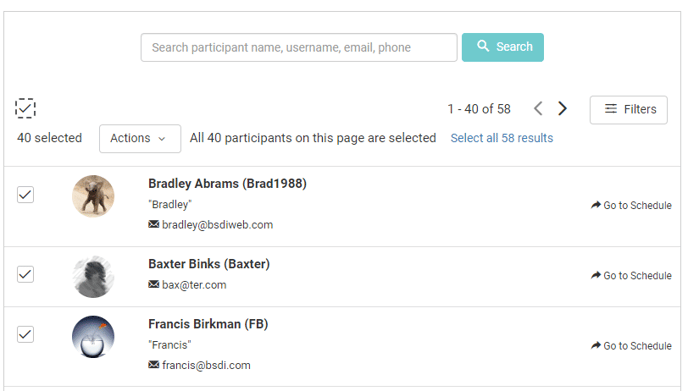
You can also select all members on the page by selecting the check box above the member list.
- Subscribe: Add the selected members to your "subscriptions". Members you are subscribed to will appear in the Today's Workouts section of the Activity tab when they have a workout on today's date.
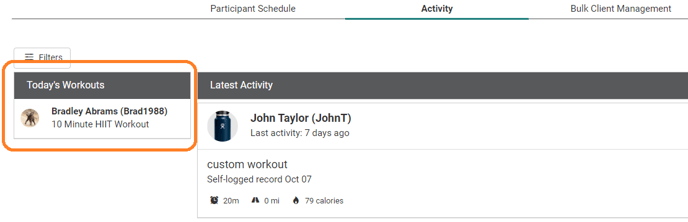
- Unsubscribe: Remove the selected members from your subscriptions. These members will no longer appear in the Today's Workouts section of the Activity tab.
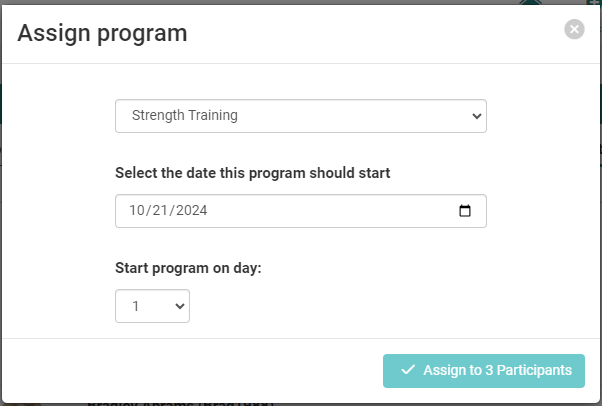
- Assign program: Schedule a workout program for the selected members. The program can start on today's date or a future date, and can begin from the start of the program or partway through the program.
- Unassign program: Remove a previously assigned workout program from the select members' schedules.
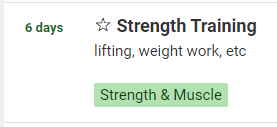
- Recommend program: Mark a workout program as "recommended" for the selected members. When they navigate to the Library section of the Workouts page, the program name features a star icon next to it.
- Remove program recommendation: Remove a workout program recommendation for the selected members.
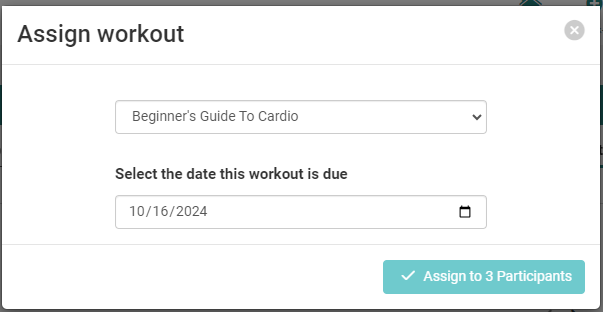
- Assign workout: Schedule a saved workout for the selected members. The workout can be scheduled on today's date or a future date.
- Unassign workout: Remove a previously assigned workout from the select members' schedules.
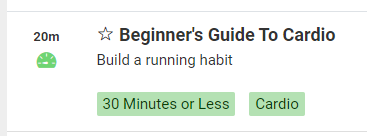
- Recommend workout: Mark a workout as "recommended" for the selected members. When they navigate to the Library section of the Workouts page, the workout name features a star icon next to it.
- Remove workout recommendation: Remove a workout recommendation for the selected members.