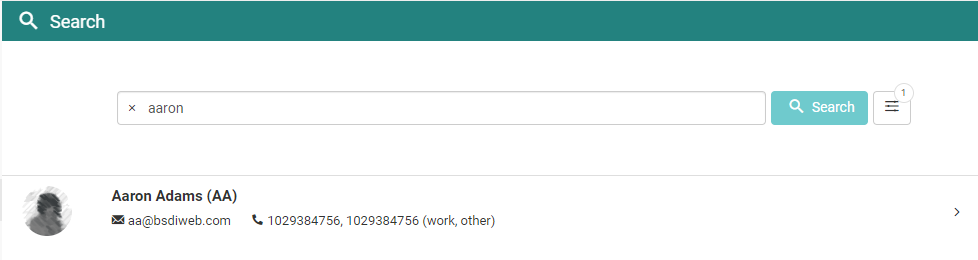
Here are some tips to troubleshoot issues with finding a user in Member Management.
Make sure the Population selections are correct.
If you select the filters icon next to the Search button you will see all of the available filter options. Populations is the first section in the Filters display, and it is where you can narrow down your search by location, employee type, etc.
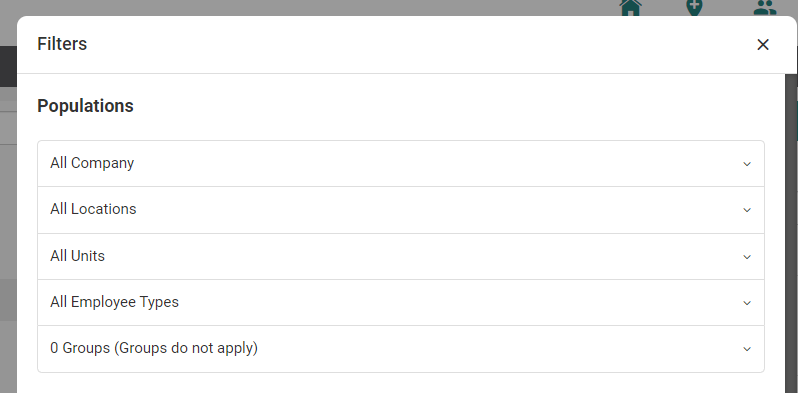
Note: The population labels may be different on your site, but they function the same way.
For each population option you can select one or multiple options, or you can leave them blank to include all available options.
If you select an option for multiple populations, the search results will be limited to users that fit all of the selections.
Example
There are three active members in the Califon location named John. When you use only the Califon location filter, all three members appear in the results.
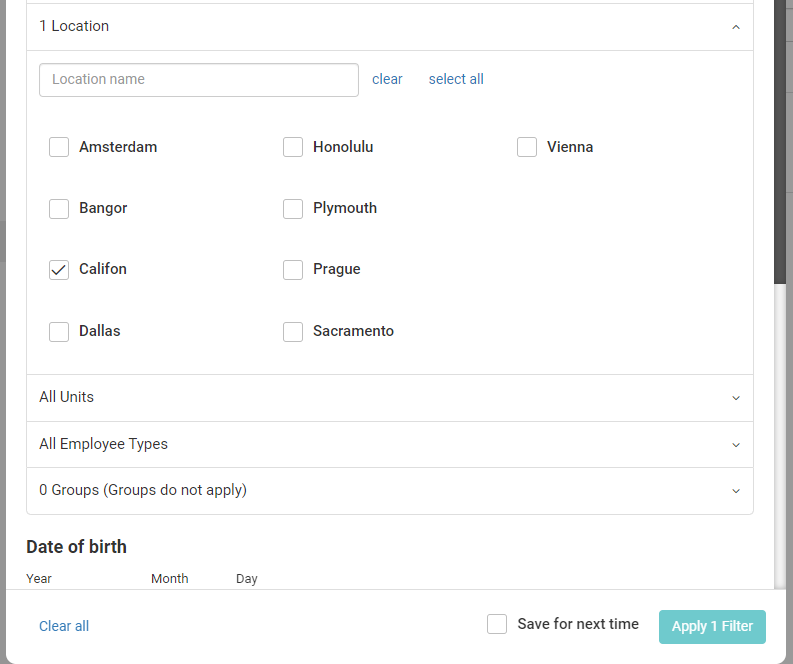
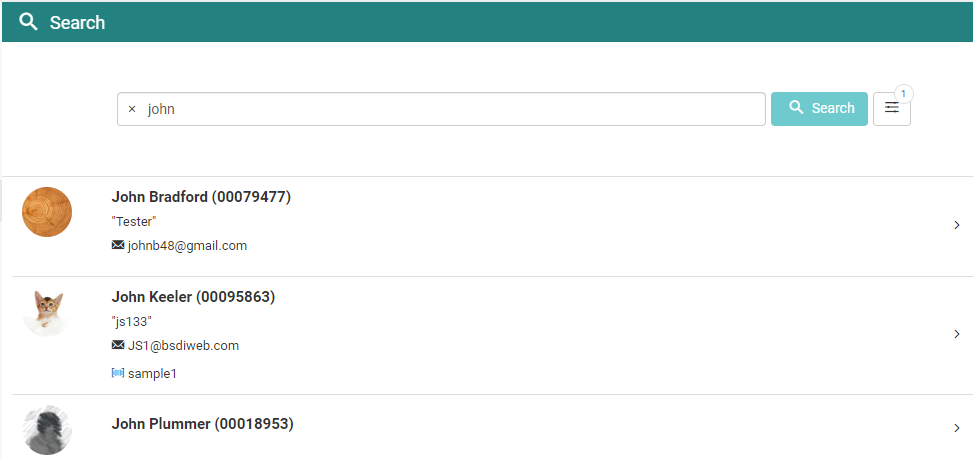
John Bradford and John Plummer are in the "Full-Time" Employee Type, while John Keeler is in the "Part-Time" Employee Type.
When you set up the search to filter for accounts in the Califon location and the Full-Time employee type, this will exclude John Keeler from the results because he does not match all of the filter requirements.
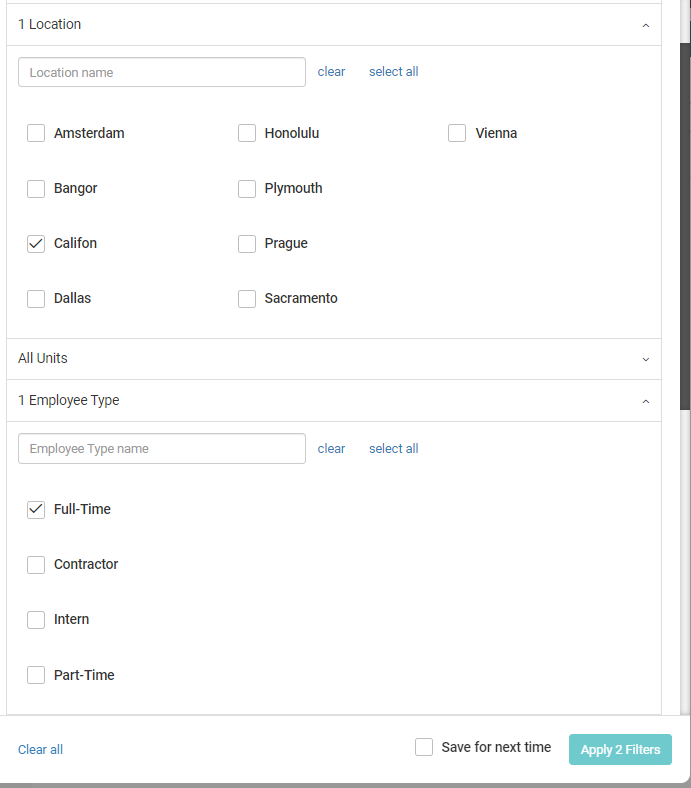
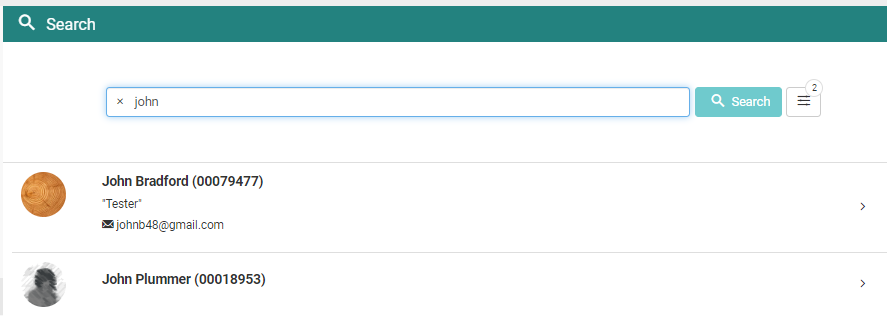
The options selected in the Filters section will reset once you leave the page unless "Save for next time" is selected.
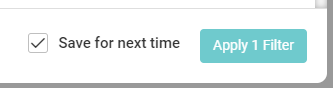
If you selected this option the last time you were logged in then it is possible that some Population filters were carried over that you did not intend to use, and that could be excluding the member you are searching for.
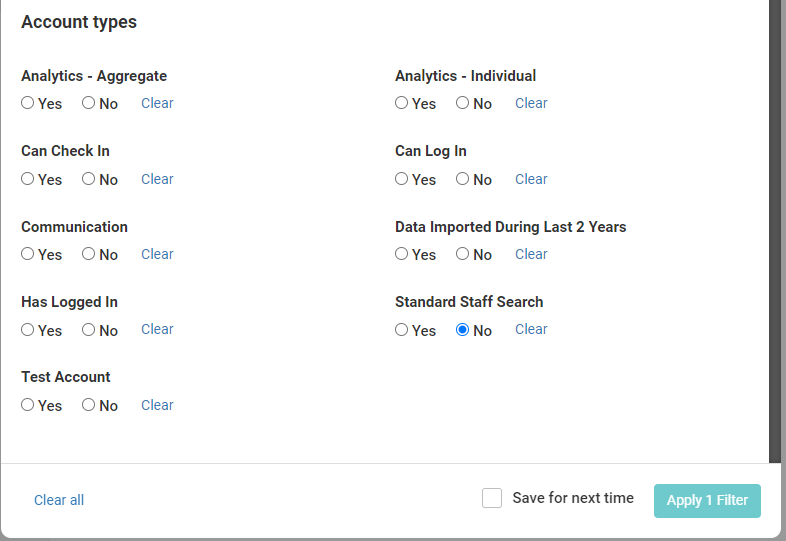
Filter for members who don't have Standard Staff Search enabled.
When an account has the Standard Staff Search toggle set to Non-Standard on their Status page, this means they will be excluded from Member Management searches unless you specify that you are looking for members that do not have the Standard Staff Search setting.
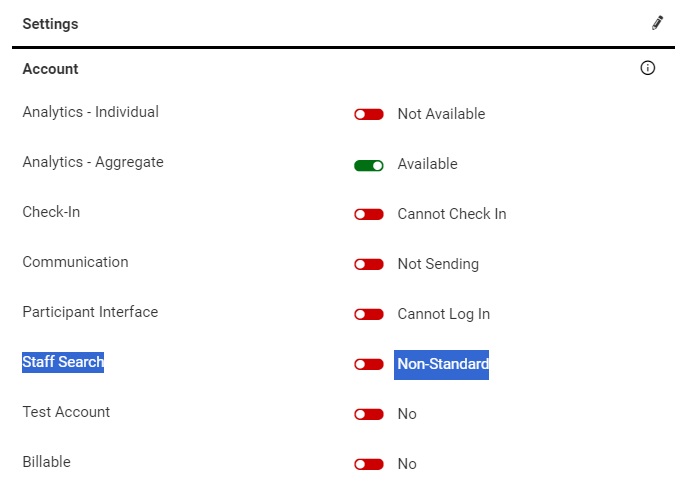 This usually happens because the account was set to Aggregate Only (inactive), which means you typically will not be looking for their account.
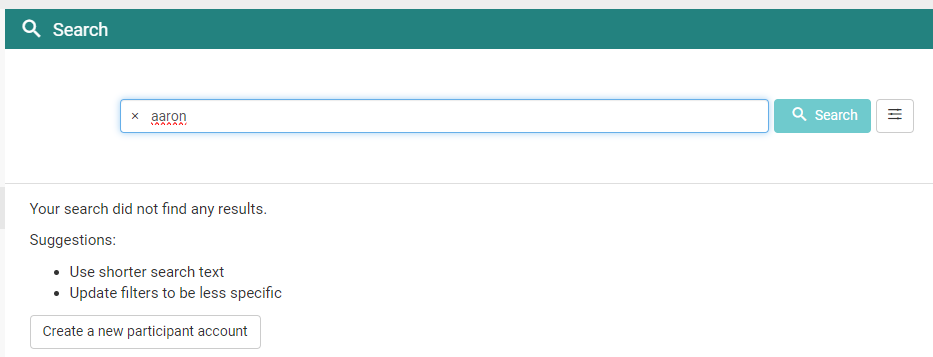
In the Filters if you select the No option for Standard Staff Search and then try searching again, your results will only include accounts that are set to Non-Standard for the Standard Staff Search option.