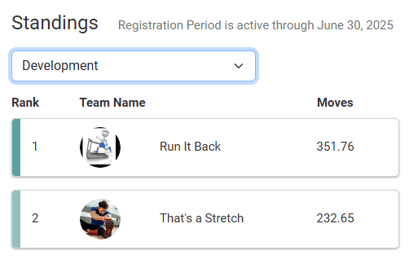
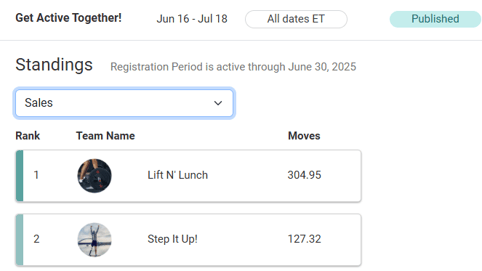
When setting up a competition or team competition, there is a Divisions section at the bottom of the Gameplay page.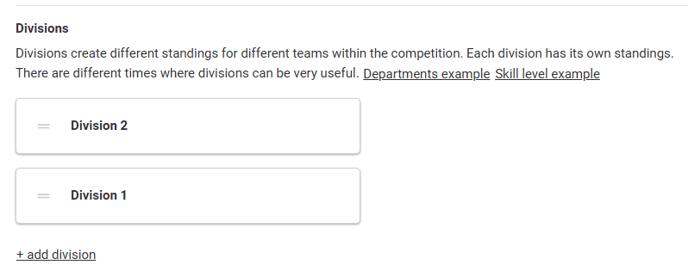
A division is a group of teams or participants that compete against each other rather than against all players in the competition.
When you run a competition without divisions, all participants (or teams) compete against one another in the same standings. With divisions, you can create multiple standings for the same competition.
Users will only see the standings from the division they are in, and cannot see other divisions' stats.
Some examples where divisions may be useful are the following:- Departments want their employees to compete against each other rather than with employees in other departments.
- Multiple companies on your site are participating in the competition and you want to keep the standings limited by company.
- Participants can join the division that best matches their activity habits (lightly active, moderately active, highly active) for a more balanced competition experience.
Participant View- Competition
When registering for a competition that uses divisions, the first step on the participant side is to select a division.
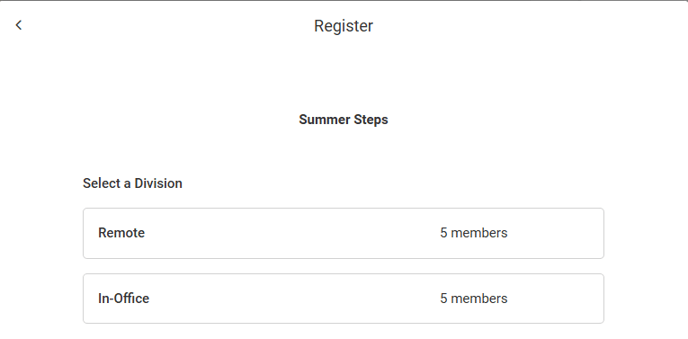
Once you select your division, you will start creating your competition profile.
Participant View- Team Competition
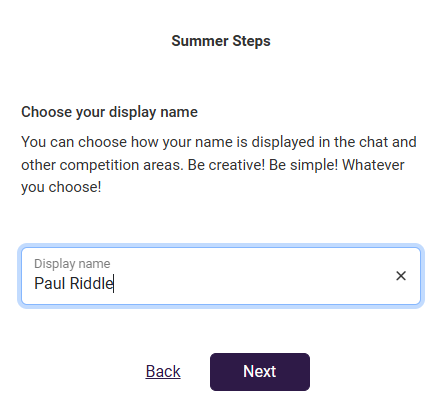
When joining a team competition that uses divisions, the first step is to choose whether to create or join a team (assuming the team limit has not been met, if one exists).
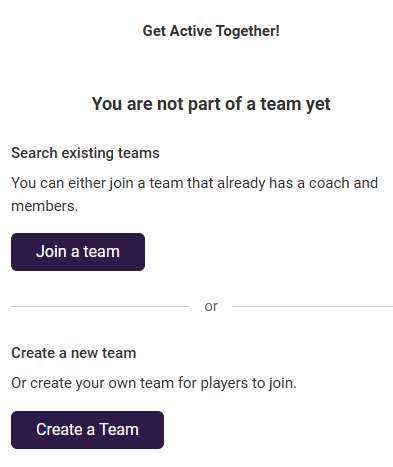
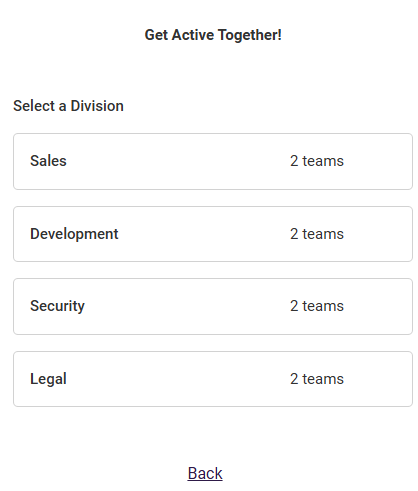
Both choices lead to the same page where you select the applicable division.
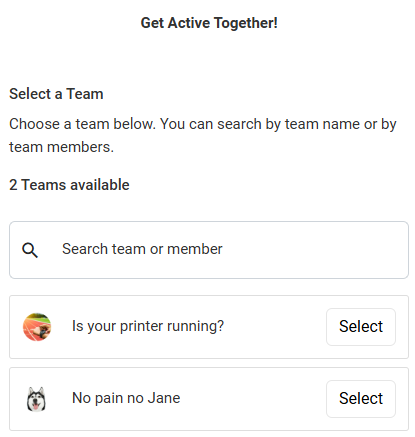
If you are joining a team, selecting a division will show you the existing teams for that division.
Once you click Select for a team you will see the team members' nicknames. The team captain is denoted with an asterisk.
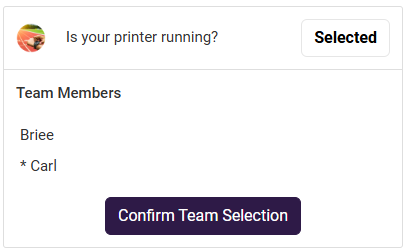
Once you click Confirm Team Selection you will see your name added to the Team Members, then you will proceed to setting up your competition profile.
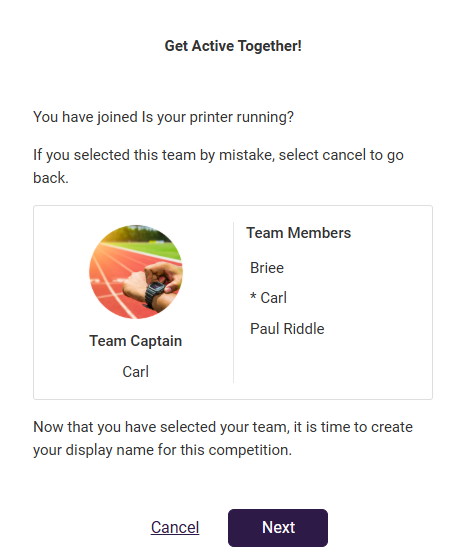
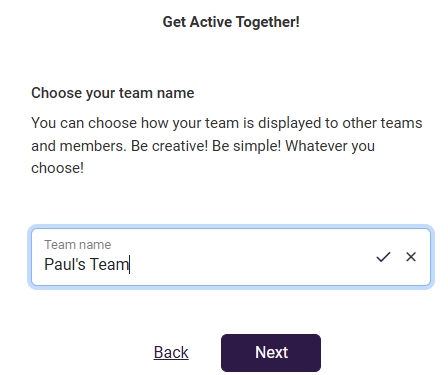
If you are creating a team, the team creation workflow will be started after you select the division.
Staff Management
Similar to competitions without divisions, you can add and manage participant registrations from the program's Participants page.
Register Member For A Competition
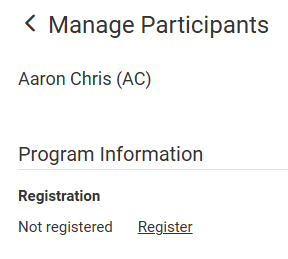
Once you click "Register" the Division field appears.
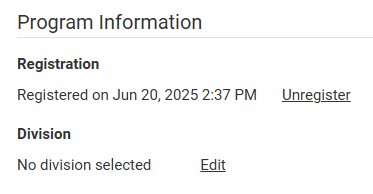
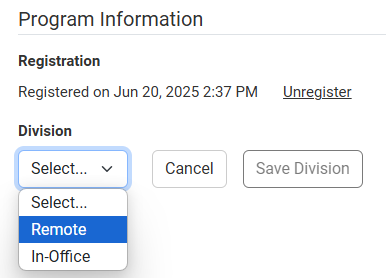
Click "Edit" to select the division the participant belongs in.
Register Member For A Team Competition
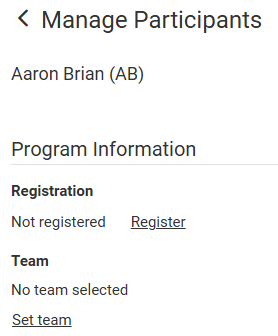
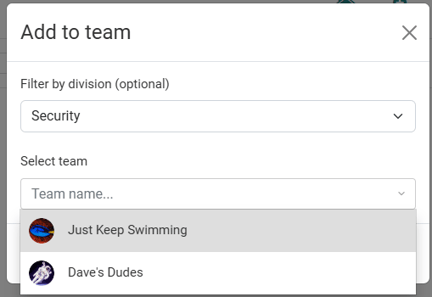
Click "Register", then click "Set team". From here, you select the applicable division, then all teams available at that division can be selected from "Select team".
Note: Members can only be registered for the program after the program has been published.
Standings
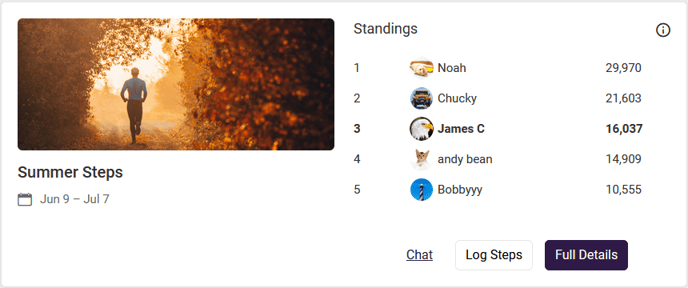
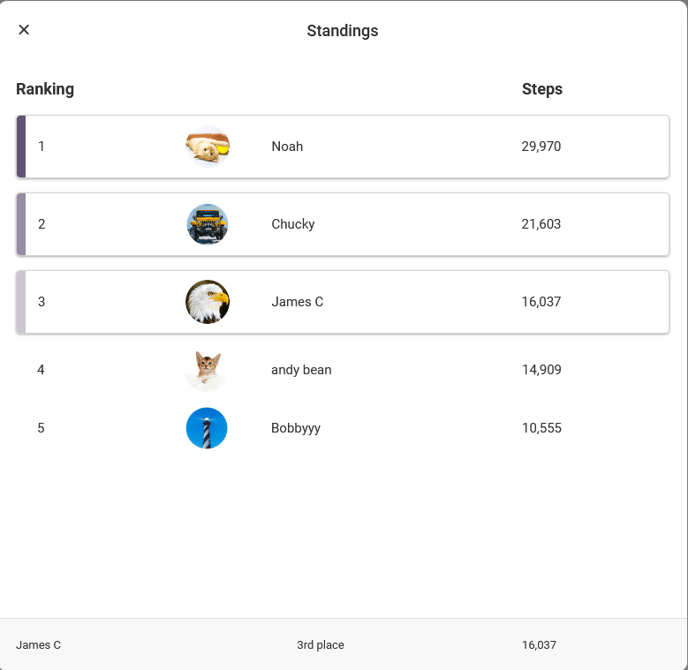
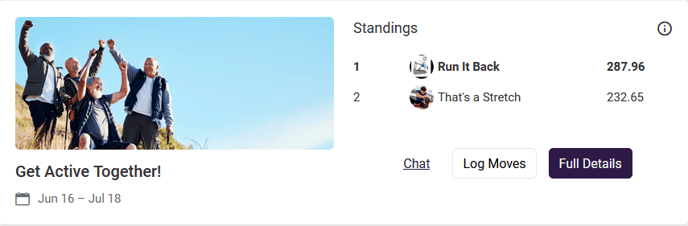
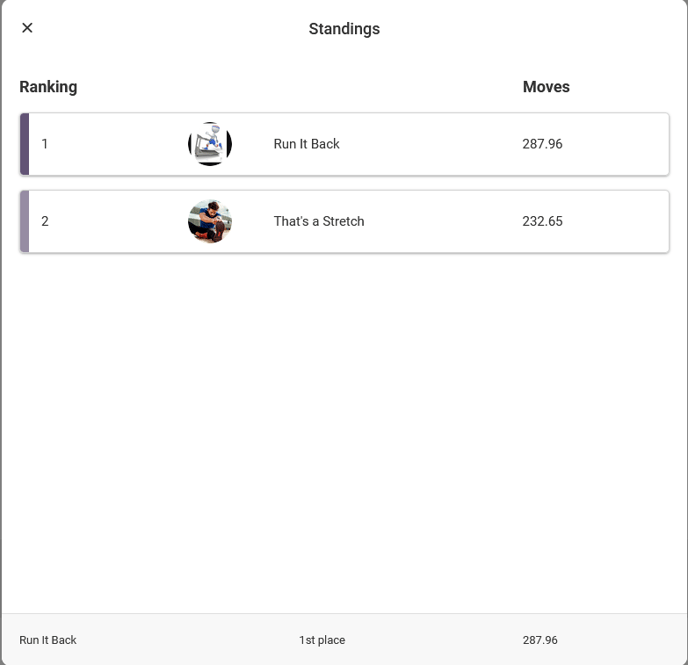
Once the program begins, members can view their standings from the Home page, as well as from the Standings page on the Full Details page.
Participant Competition Standings
Home Page View:
Standings Page View:
Participant Team Competition Standings
Home Page View:
Standings Page View:
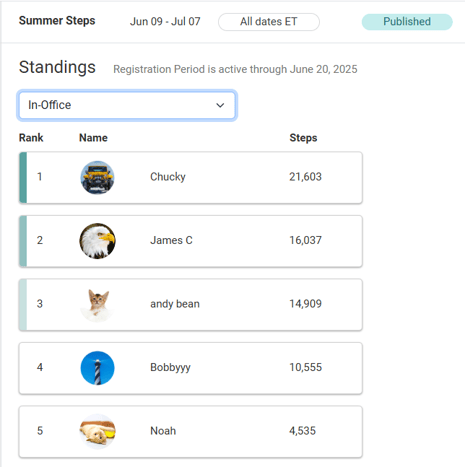
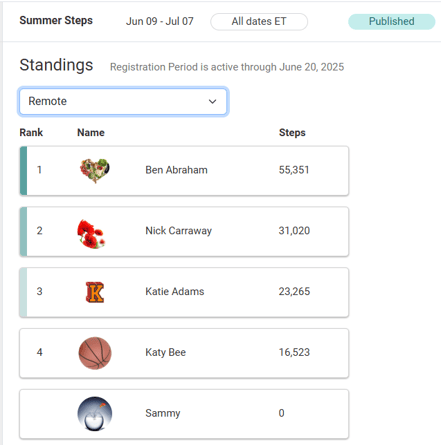
Once the program begins, staff can view the stats for all members/teams across all divisions in the program from the Standings page for the selected program.
Staff Competition Standings
Staff Team Competition Standings