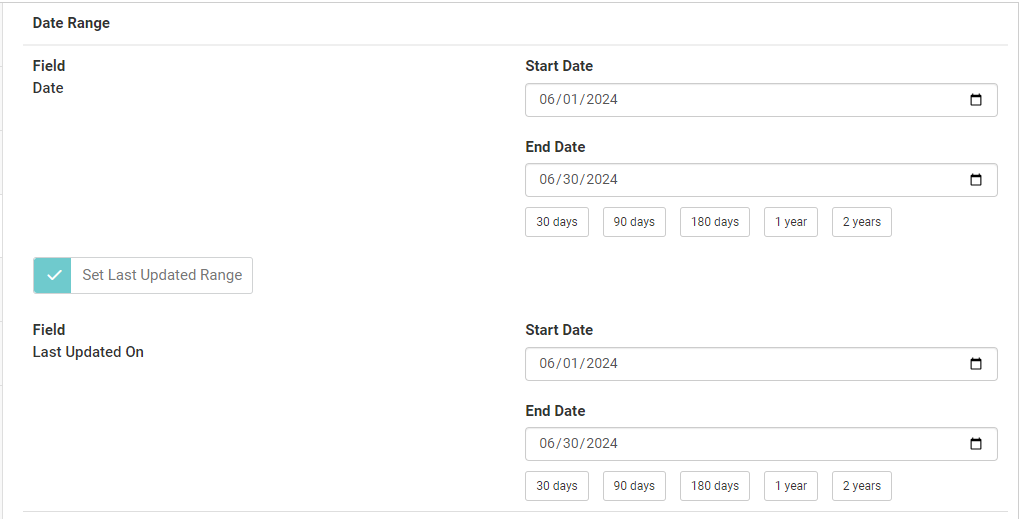
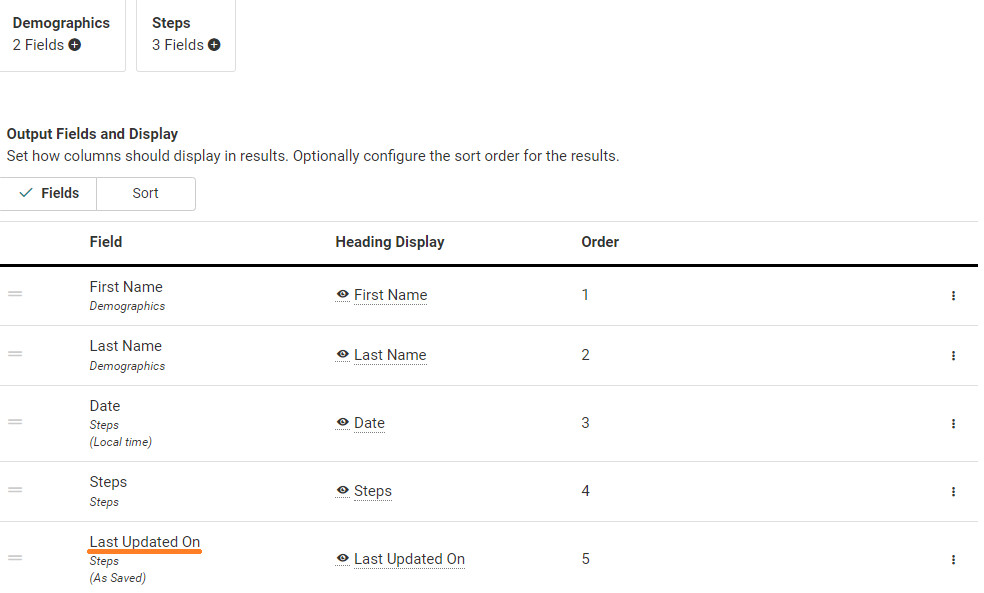
When you are building a query that returns data from a source that can be backdated (ex. Steps, Sleep, Glucose Readings), one of the fields available is the Last Updated On field. This will tell you the last time a record was updated, even if it is the same as the record date.
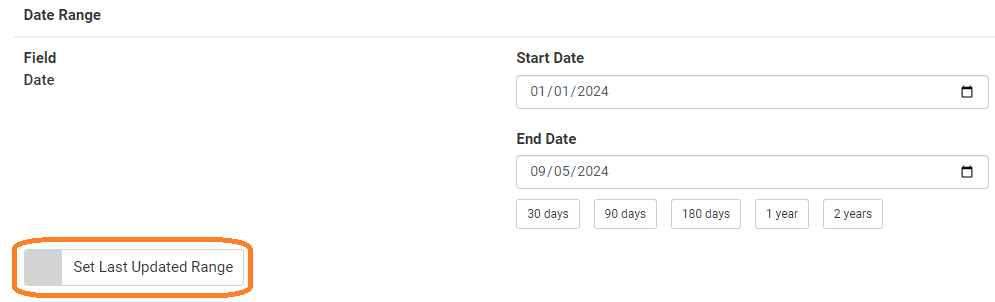
When you get to the Filters page, there is an option called Set Last Updated Range.
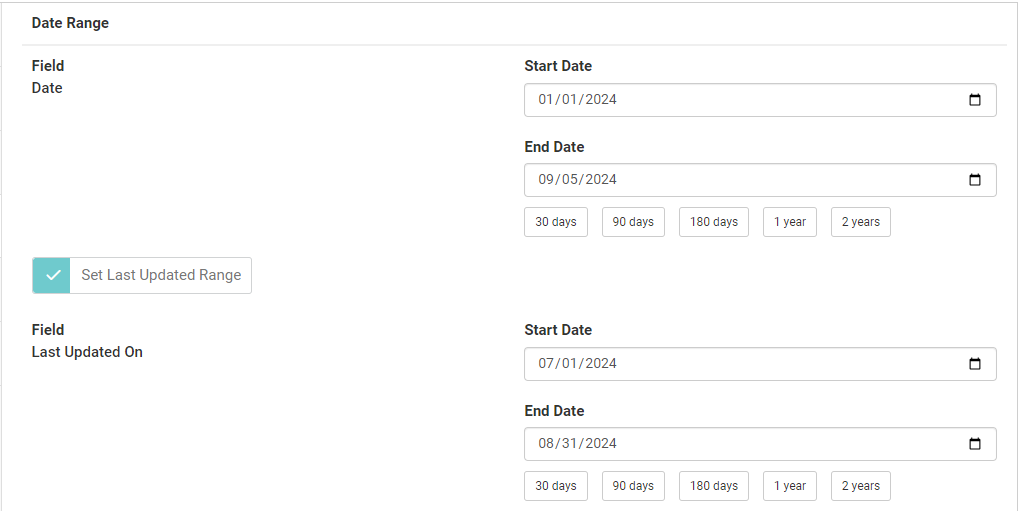
Clicking this option creates a date range that the Last Updated On date needs to fit into for a record to appear in the results.
Example
You are running a Steps query for the month of June 2024. No Last Updated Range is used in the below example. Notice that even though Alana's record is for 6/26, it was last updated on 7/5.
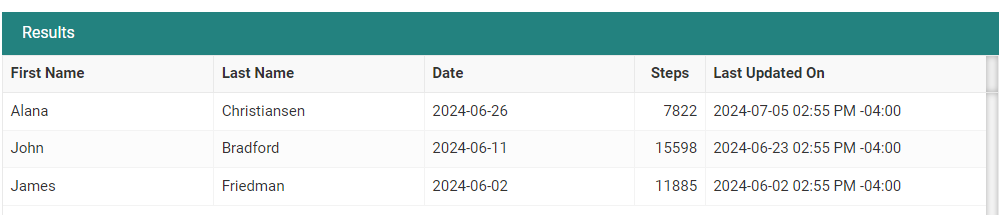
If you add a Last Updated On range of 6/1/24 to 6/30/24, Alana's record will be dropped from the results because that record' last updated on date of 7/5/24 does not fit the Last Updated On parameters.