
If you do not have the Rewards Center feature licensed on your site, contact your account manager for more information.
To perform the actions mentioned in this article, your staff account needs to have the Program and Rewards Center Configuration permissions. Please reach out to your site administrator if you do not have these permissions.
When the Rewards Center is set up on your site, you can associate achievement programs with the Rewards Center from the program's Display settings by turning on the "Earn Rewards Center  During The Program" setting.
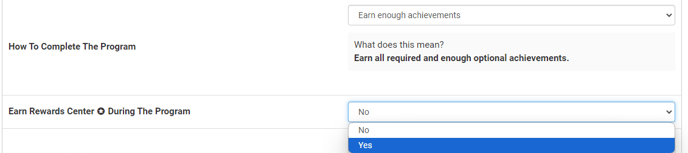
Once the Rewards Center is associated with the program, you can configure Rewards Center points to be awarded when:
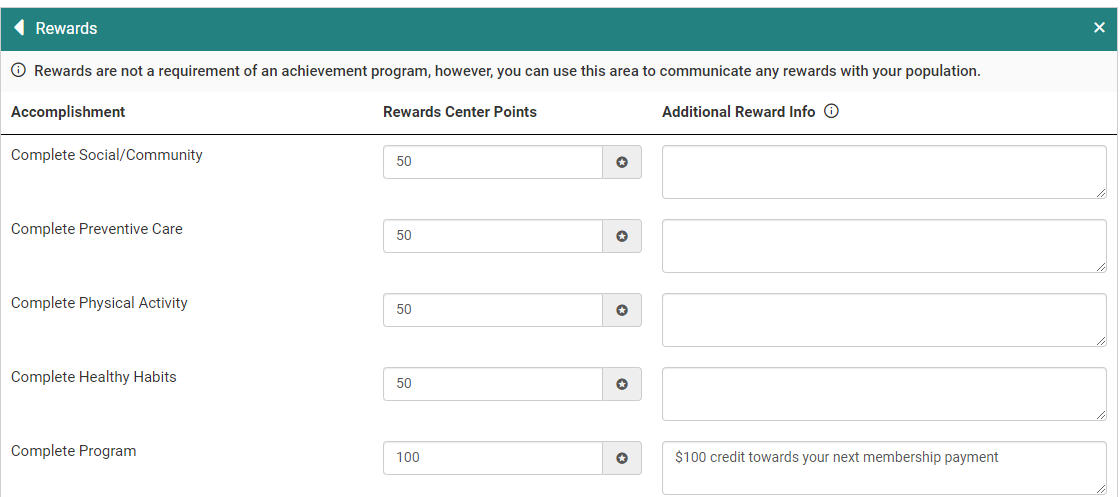
- A program category is completed
- The achievement program is completed
- An achievement type is completed
Rewards Tile
After enabling Rewards Center with the program, you can set up Rewards Points per category/program completion from the Rewards tile.
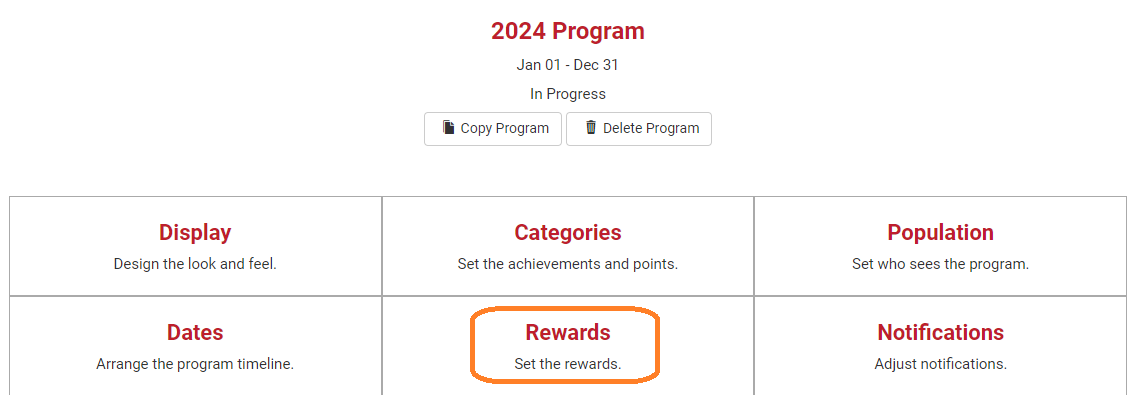
In addition to the standard Rewards settings found on this page, you can now associate Rewards Center Points with category and program completion.
The Rewards Center Settings options determine when users will receive the Rewards Center points on their account. There are three date options:
- In Real-Time means that the points are added to users' balances as soon as they earn them.
- On Staff Logging End Date means that the points are awarded after the program has ended and the Staff Logging date has ended. The Staff Logging date is displayed next to the menu if this option is selected.

- On Scheduled Date allows you to select a date after the program ends on which the points will be added to everyone's accounts.

You can also set an expiration date for the points awarded from this achievement program. This setting is turned off by default, but once enabled you can select a date that the points will expire after.

You can set the default number of Rewards Center Points to be loaded into any achievement you add to the program after the setting is saved. 
Any achievements added before this setting was updated will be set to award 0 Rewards Center points, but you can update them from the Categories page as described below.
Categories Tile
You can view and edit Rewards Program points per achievement on the Categories page.
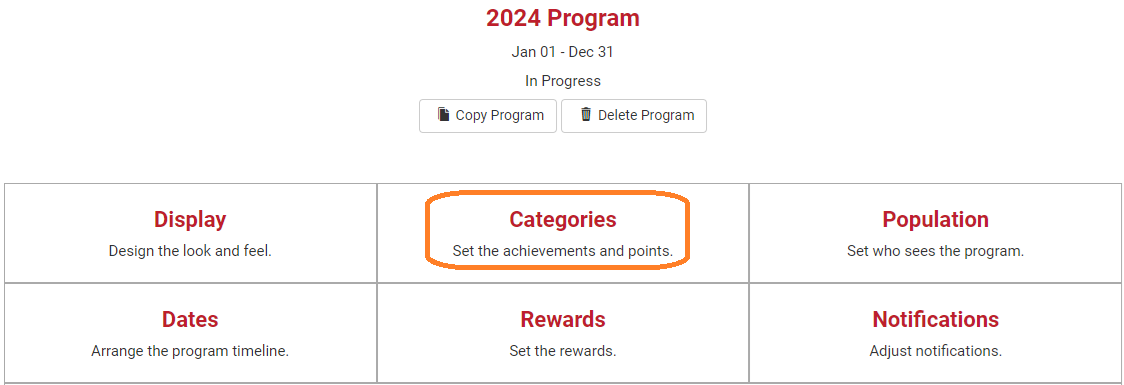
If an achievement has Rewards Center Points associated, the points earned will be displayed next to a gift icon.
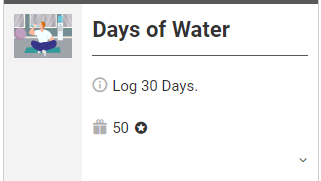
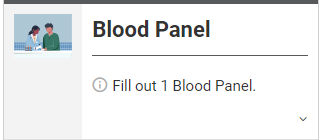
If an achievement does not have Rewards Center points associated there will not be a gift icon.
If you set a non-zero value for the Default Rewards Center Points For Achievements setting, this value will be loaded for you when you are adding a new achievement to the program.
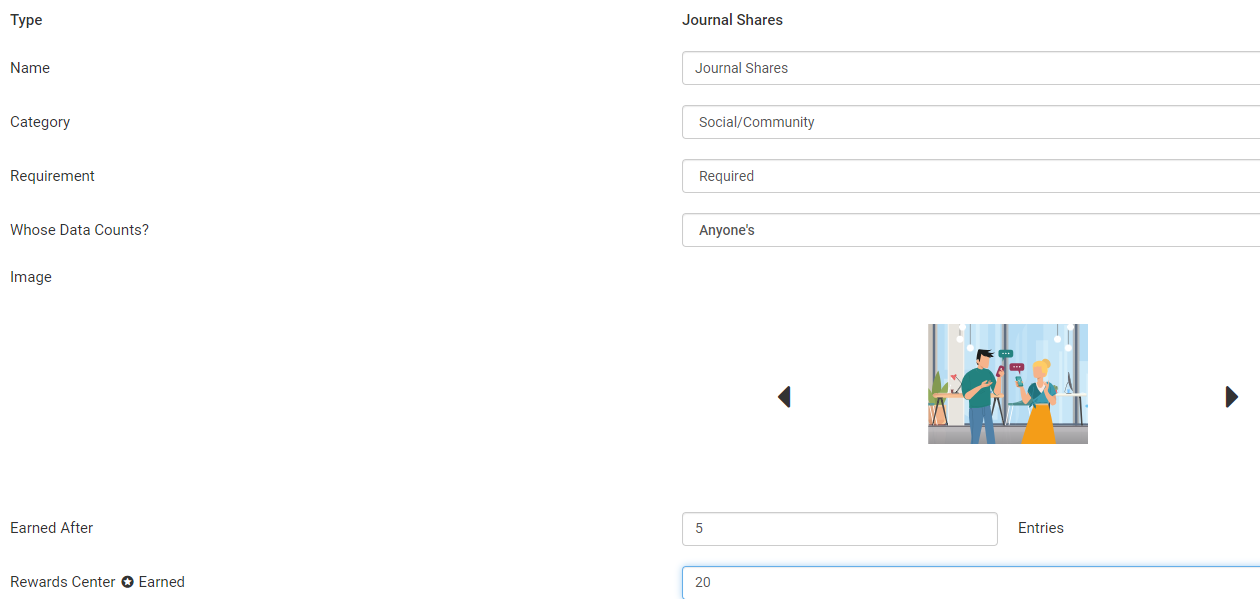
This points value can be edited for the specific achievement you are adding, but the value will continue to be set to the configured points value for other achievements you add to the program.