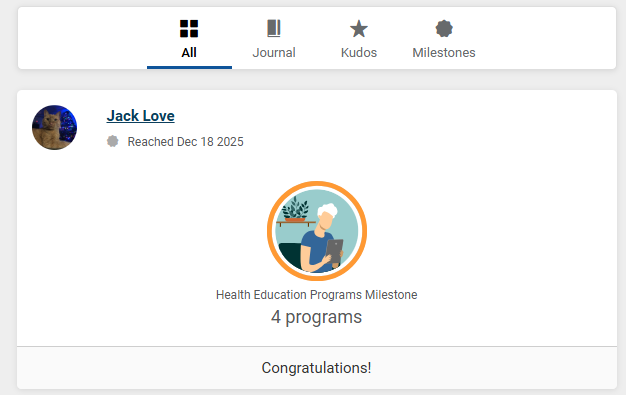
If you are using the Social tab, you may have noticed your allies are sharing their milestones.
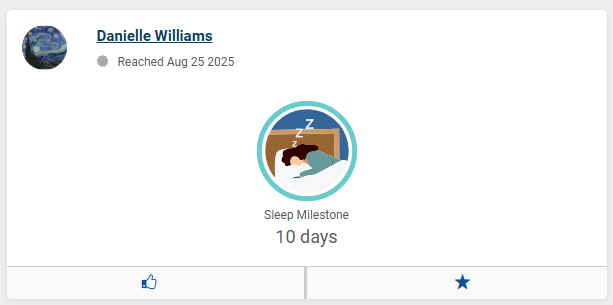
By default, your account is configured not to share your milestones. If you would like to start sharing these with your allies, you can head to the Settings page from the profile picture menu.
Click the pencil icon next to the Sharing section at the top of the page, then toggle on the Milestones Reached setting and save changes.
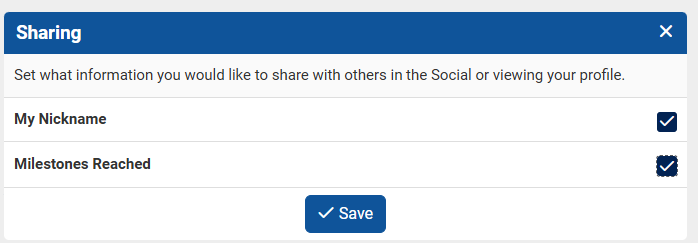
Once this is turned on, all of your previously earned milestones will appear on the Social page on the date they were earned. Any time you reach a new milestone going forward, the system will automatically share this to the Social page for you.