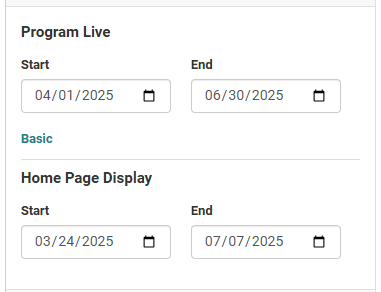
When setting up achievement program dates, by default the "Program Live" dates correspond to how long the achievement program will run, and how long it will display on the Home page to members.
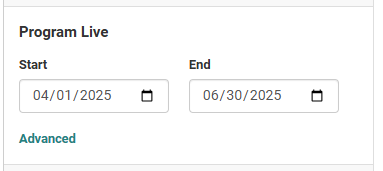
If you would like to extend the dates that the program is visible to users without affecting the Program Live dates, you can click the Advanced button. This reveals the Home Page Display setting, which is automatically set to the same Start and End dates as the Program Live dates.
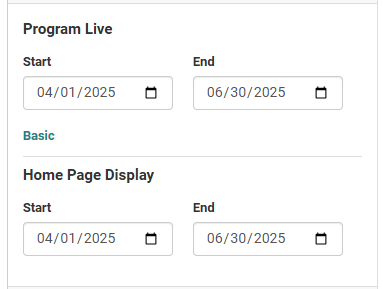
Here are some scenarios where having a different set of Home Page Display dates can be beneficial:
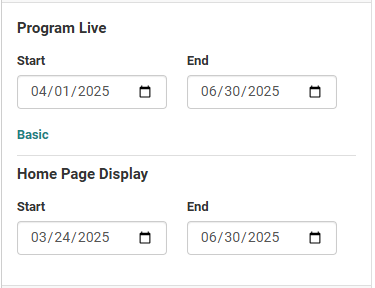
- Start showing the program before logging is available. This can be used to promote the program before it begins.
- Continue displaying the program after logging has concluded. This can be used to allow members to view their final results.