
When you launch a Check-In Facility from the staff side Check-In page, you may notice that there is no button that closes the utility. This is to prevent users from accidentally closing the terminal while checking in.
To close the check-in terminal, all you have to do is submit "release terminal" or "releaseterminal" as a check-in.
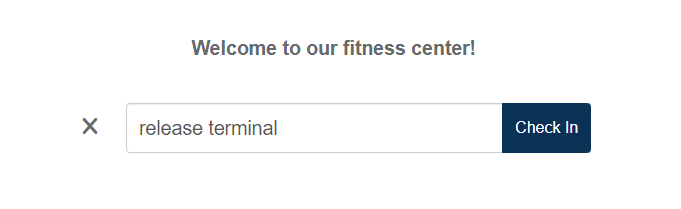
Once this is submitted, you should be directed to the staff login page for your organization.