
To perform the actions mentioned in this article, your staff account needs to have the Appointments and Other Staff Appointments permissions. Please reach out to your site administrator if you do not have these permissions.
When you go to the Appointments page the default tab is the Availability page.
If you have the Other Staff Appointments permission, clicking the Other Profiles button in the top right section of the screen will take you to the Staff Profiles view.
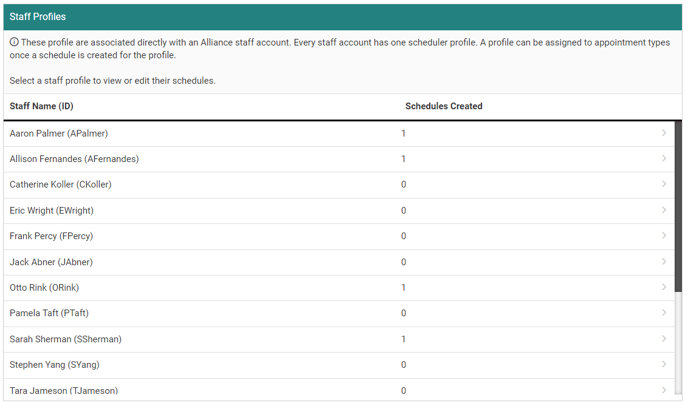
From this screen you can select a staff profile to view and edit their existing schedules or create a new one.
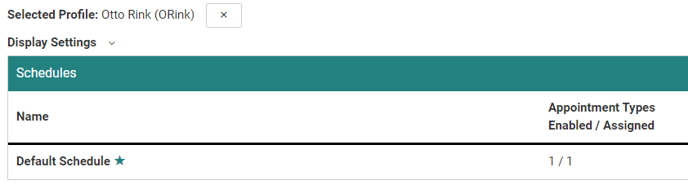
The workflow for creating and editing appointment schedules is the same as creating and editing a schedule for your own staff account. This article goes into more detail about how to manage appointment schedules.