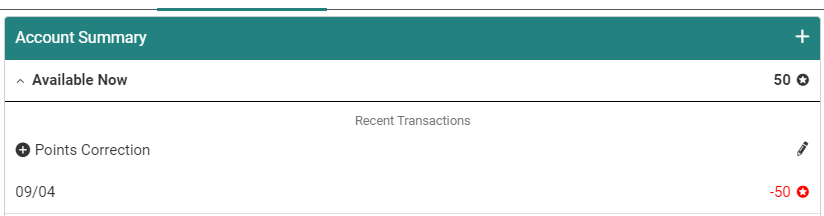
If for any reason a participant accidentally ends up with more Rewards Center Points than expected, you can correct the balance by adding a transaction in Member Management with negative points.
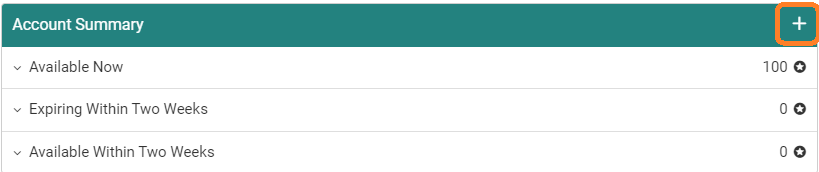
From the member's profile, go to the Rewards Center page. On this page, click the plus icon as if you were adding points to the user's balance.
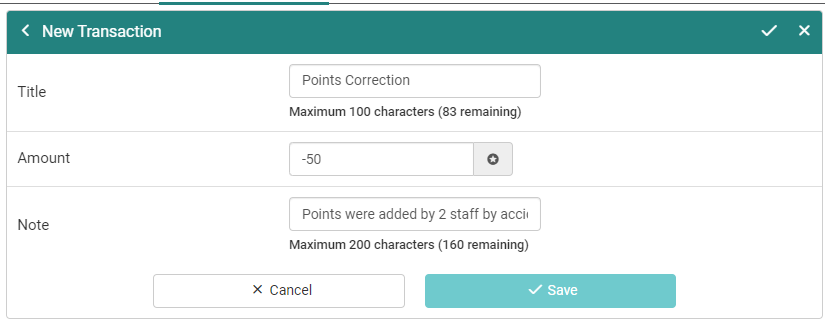
Add a minus (-) before the points value to designate this transaction as a points deduction. Although not required, it is recommended that you add a Note explaining the deduction.
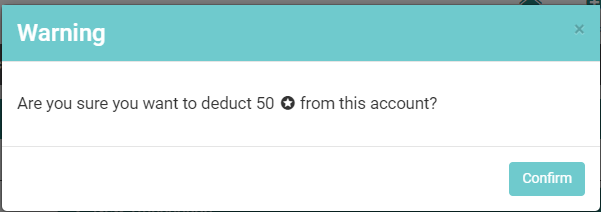
Once you click the check mark you are prompted to confirm the points deduction.
After confirming, the points are deducted from the user's account and a record of this appears under Available Now on the Account Summary page.